
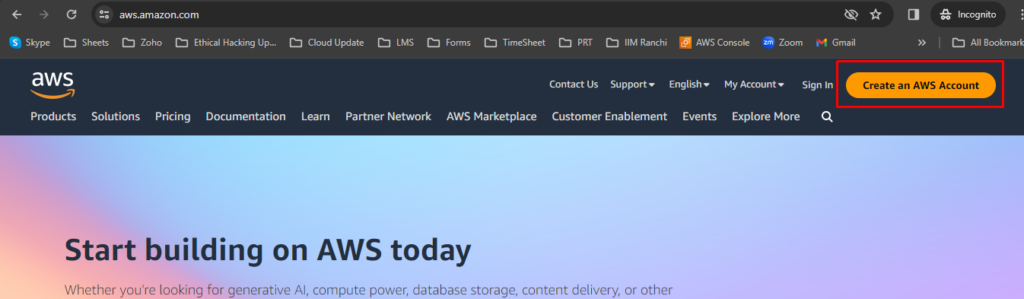
Step 1: To create a new AWS account, go to aws.amazon.com and choose
Create an AWS Account.
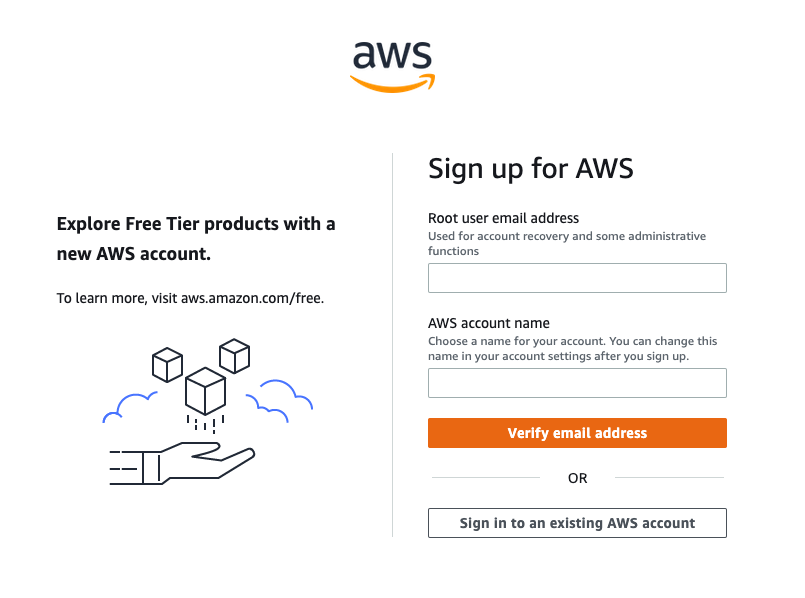
Step 2: Enter an email address and an account name.
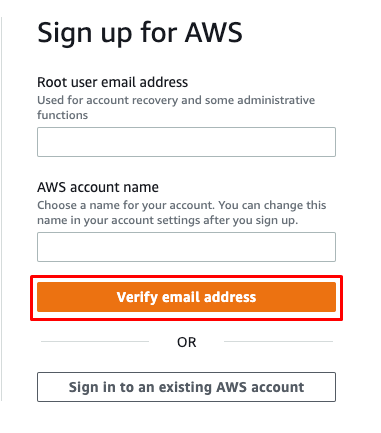
Step 3: Select Verify email address.
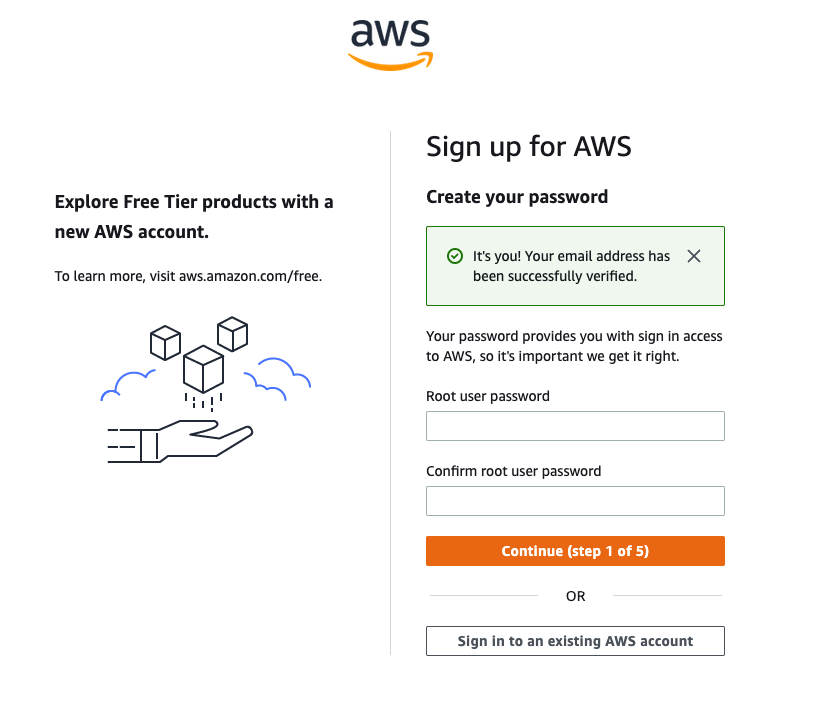
Step 4: Create your Root user password
Step 5: Once you have entered and confirmed your password, choose
Continue (step 1 of 5).
Step 6: Choose between a personal account.
Step 7: Once you have selected the account type, fill out the Contact
Information about the account.
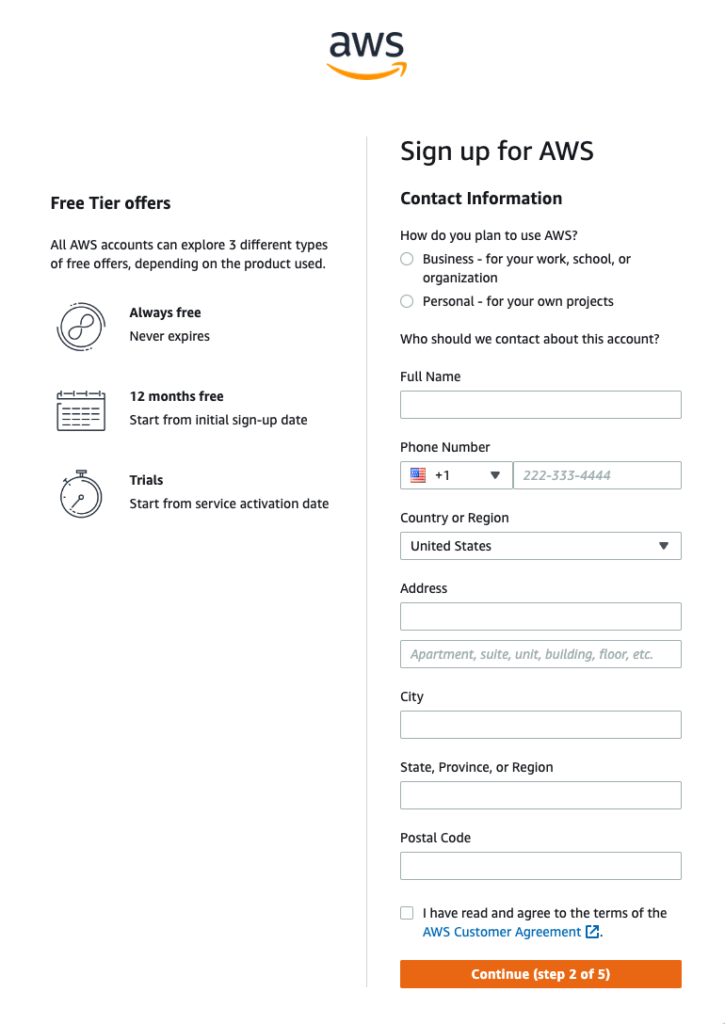
Step 8: At the end of this form, please read through the terms of the AWS
Customer Agreement and select the checkbox to accept them.
Step 9: Choose Continue (step 2 of 5) to proceed to the next screen.
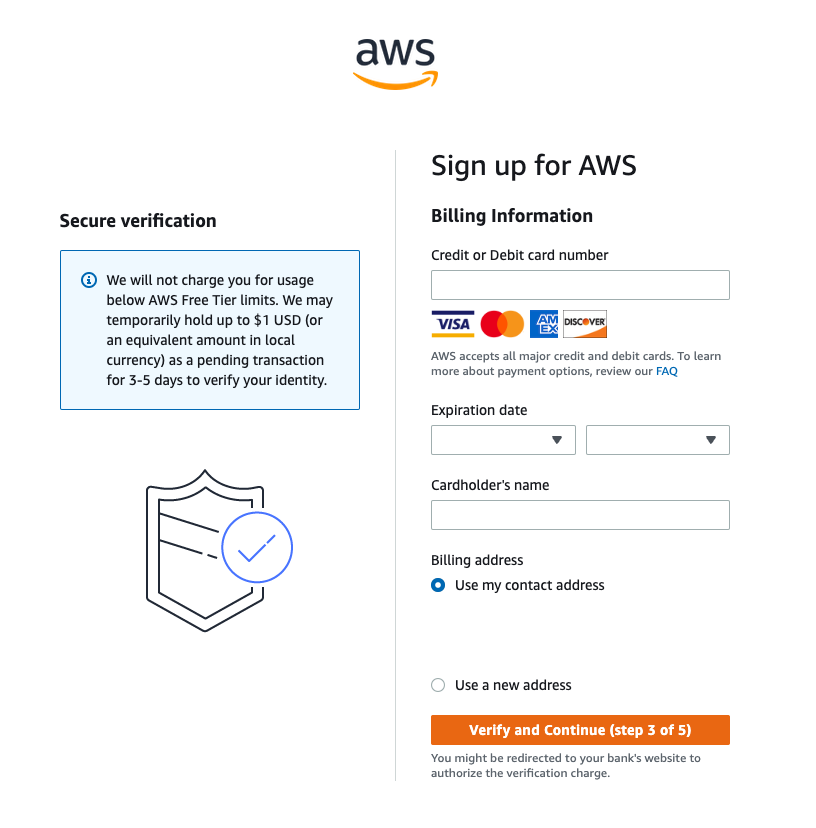
Step 10: Enter your Billing Information details.
Step 11: Select Verify and Continue (step 3 of 5) to proceed.
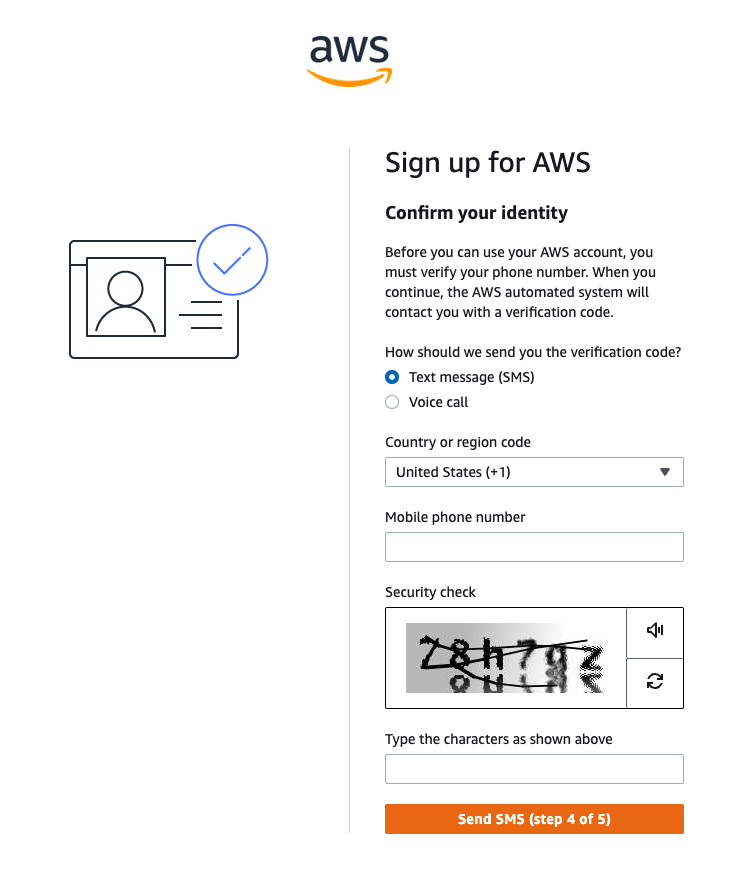
Step 12: Choose how you want to confirm your identity. For the Text message
(SMS) option, you will be sent a numeric code to enter; choose Send SMS (step
4 of 5).
Step 13: Enter the code as appropriate for your verification choice, then choose
Continue to proceed to the final step.
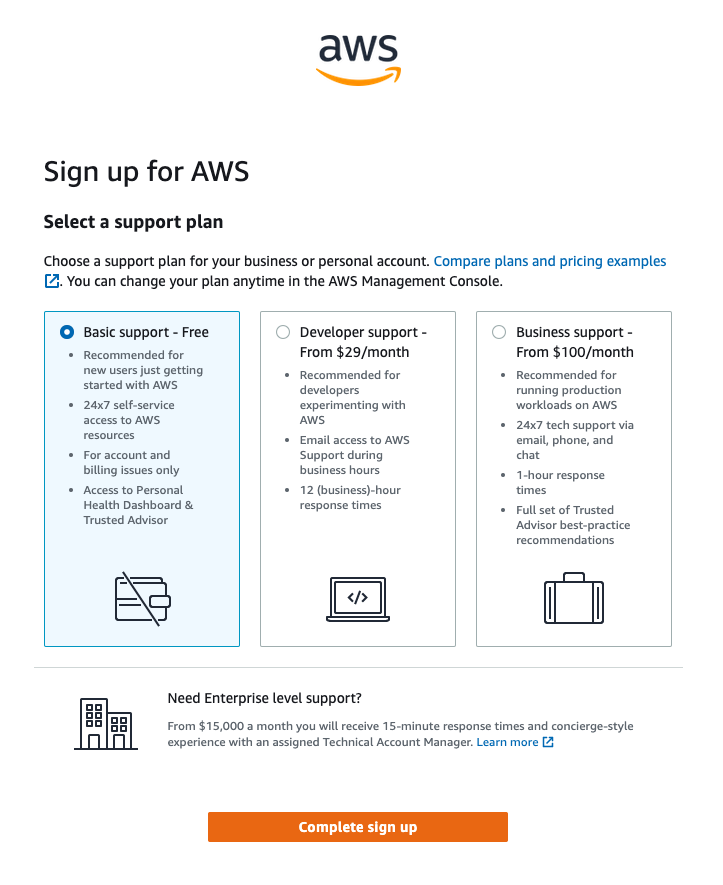
Step 14: Choose a support plan. We recommend the Basic Plan.
Step 15: To finish creating your account, choose Complete sign-up.
Congratulations! Your account is now set up and being activated. When
activation is complete, you will receive an email from AWS. Use the
credentials you created in this module to log in to your root account.
