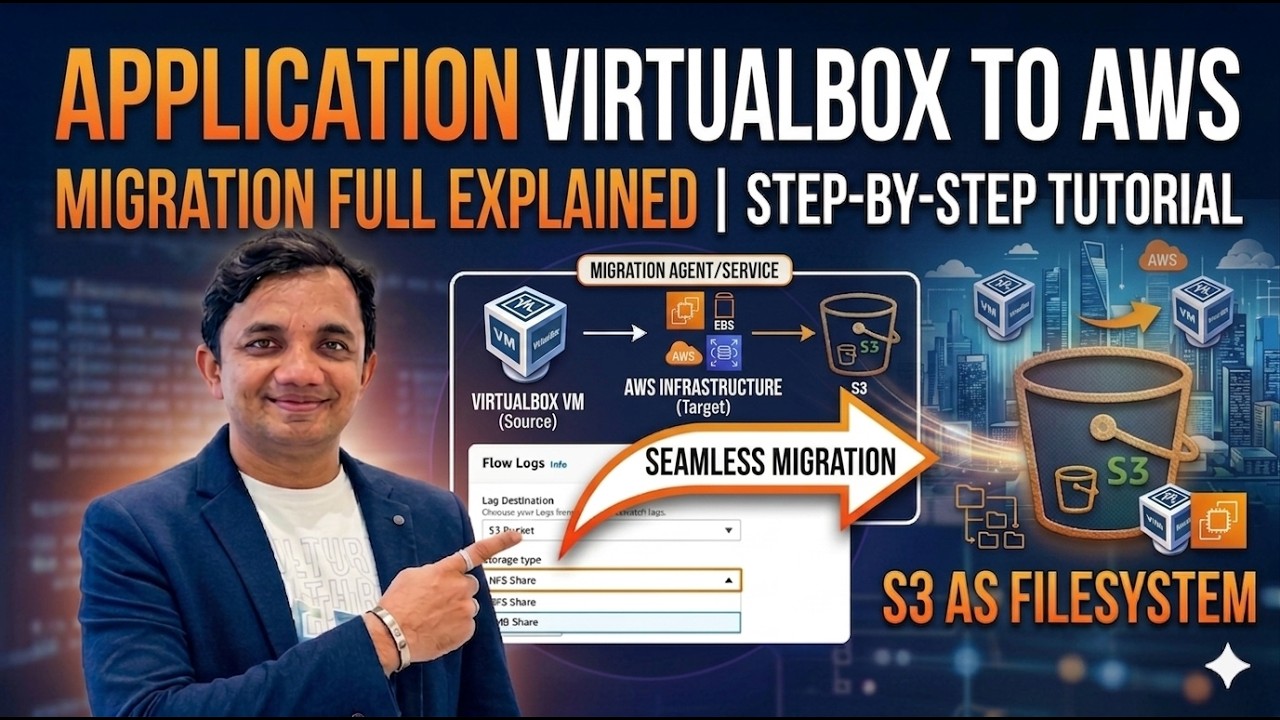
The Fastest Way to Migrate VMs to AWS: VM Import/Export Tutorial
📌 Topics Covered:
✅ Uploading the OVA file to Amazon S3
✅ Creating the vmimport IAM role
✅ Configuring trust-policy.json and role-policy.json
✅ Creating the container.json file
✅ Running the aws ec2 import-image command
✅ Monitoring the image import task
✅ Creating an AMI from the imported VM
✅ Launching an EC2 instance from the imported AMI
💻 AWS CLI Commands Used:
aws s3 cp
aws iam create-role
aws iam put-role-policy
aws ec2 import-image
aws ec2 describe-import-image-tasks
This hands-on lab is ideal for AWS beginners, cloud engineers, DevOps professionals, and anyone preparing for AWS migration projects or interviews.
🔔 Don't forget to Like, Share, and Subscribe for more AWS, DevOps, and Cloud Computing tutorials!
#AWS #CloudMigration #AWSMigration #VMImportExport #AWSCLI #EC2 #S3 #DevOps #CloudComputing #AWSLabsShow More




Latest Insights from My Blog
-
AWS IAM Real Time Use Case
Read More →AWS IAM PRACTICAL Lab Manual Level 1- IAM Users,Groups And Permission(Solution)
: AWS IAM Real Time Use Case -
Amazon EFS Explained: Complete Guide to AWS Elastic File System with Real-World Examples
Read More →Level: Beginner to Intermediate 1. Introduction In today's cloud environment, applications often run across multiple…
: Amazon EFS Explained: Complete Guide to AWS Elastic File System with Real-World Examples -
Amazon EBS Volume Explained: A Beginner’s Guide
Read More →An Amazon EBS (Elastic Block Store) volume is a block-level storage device that you can…
: Amazon EBS Volume Explained: A Beginner’s Guide
Let's Crafting Your Dream AWS Certification Path!
AWS certifications are game-changers for cloud professionals! Whether you're just starting or leveling up, the right certification can boost your skills, credibility, and career opportunities. But with so many options, how do you design your ideal certification journey?
Begginers
Enroll Free
AWS Certified Cloud Practitioner – Foundational knowledge for AWS services, pricing, and best practices.
Associates
Enroll Free
AWS Certified Solutions Architect – Associate – Design secure, scalable solutions.
Crafting Your Dream AWS Certification Path
🎯 Step 1: Define Your Goal
Are you aiming for cloud architecture, security, DevOps, networking, or machine learning? Your goal determines the best certification path!
🌟 Step 2: Choose Your AWS Certification Path
✅ For Beginners:
🔹 AWS Certified Cloud Practitioner – Foundational knowledge for AWS services, pricing, and best practices.
✅ For Architects & Engineers:
🔹 AWS Certified Solutions Architect – Associate – Design secure, scalable solutions.
🔹 AWS Certified Solutions Architect – Professional – Advanced architectural expertise.
✅ For Developers & DevOps Professionals:
🔹 AWS Certified Developer – Associate – Serverless, Lambda, and app integration.
🔹 AWS Certified DevOps Engineer – Professional – CI/CD, automation, monitoring.
✅ For Security & Networking Experts:
🔹 AWS Certified Security – Specialty – Deep dive into AWS security best practices.
🔹 AWS Certified Advanced Networking – Specialty – Networking at scale in AWS.
✅ For Data & Machine Learning Enthusiasts:
🔹 AWS Certified Data Analytics – Specialty – Big Data, analytics, and visualization.
🔹 AWS Certified Machine Learning – Specialty – Build and deploy AI/ML models.
🔥 Step 3: Prepare Like a Pro
✔️ Hands-on Practice – Use AWS Free Tier to experiment.
✔️ Official AWS Training – Take advantage of AWS Learning resources.
✔️ Mock Exams – Test yourself before the real challenge.
✔️ Join the Community – Network with AWS learners & pros.
AWS Certification Exam: Frequently Asked Questions (FAQs)
1️⃣ Which AWS Certification Should I Start With?
🔹 If you're new to AWS → Start with AWS Certified Cloud Practitioner (Foundational).
🔹 If you're technical & want to work on AWS solutions → Start with AWS Solutions Architect – Associate.
🔹 If you're a developer → AWS Certified Developer – Associate is a great choice.
🔹 If you're into automation & DevOps → Go for AWS Certified DevOps Engineer – Professional.
2️⃣ Are There Any Prerequisites for AWS Certifications?
No! You don’t need any prerequisites to take an AWS exam. However, AWS recommends some hands-on experience, especially for Associate and Professional-level certifications
3️⃣ How Do I Register for an AWS Certification Exam?
You can register through AWS Training & Certification:
✅ Go to AWS Certification Portal
✅ Select your exam & schedule through Pearson VUE or PSI
✅ Choose a test center or opt for an online proctored exam
4️⃣ How Much Do AWS Exams Cost?
💰 Here’s a breakdown of AWS certification costs:
- Cloud Practitioner: $100
- Associate-Level (SAA, DVA, SOA): $150
- Professional-Level (SAP, DOP): $300
- Specialty Certifications: $300
📌 Pro Tip: AWS offers 50% off on retakes if you don’t pass the first time!
5️⃣ How Long is the AWS Exam?
⌛ Exam durations vary:
Professional & Specialty → 170 minutes
Cloud Practitioner → 90 minutes
Associate-Level → 130 minutes
6️⃣ What is the Passing Score for AWS Exams?
AWS doesn’t share exact scores, but generally:
✅ Passing score is around 70%
✅ Scores range from 100 to 1,000 points, and you need around 720+ to pass
7️⃣ Can I Take the AWS Exam from Home?
Yes! AWS offers online proctored exams via Pearson VUE.
🚀 Requirements:
Stable internet connection ✅
A quiet room ✅
Webcam & microphone ✅
8️⃣ How Hard is the AWS Certification Exam?
Difficulty depends on your experience.
✔️ Cloud Practitioner → Easier, for AWS beginners
✔️ Associate-Level → Moderate, requires hands-on practice
✔️ Professional & Specialty → Advanced, requires deep AWS knowledge
💡 Pro Tip: Practice with AWS Free Tier & take mock exams before your test!
9️⃣ How Long is AWS Certification Valid?
AWS Certifications are valid for 3 years. You’ll need to recertify before they expire.
🔟 Where Can I Find AWS Exam Study Resources?
📚 Top AWS Exam Prep Resources:
✅ AWS Skill Builder – Free & paid AWS courses
✅ AWS Whitepapers – Covers AWS best practices
✅ AWS Certified Exam Readiness Workshops
✅ Hands-on labs via AWS Free Tier
✅ Udemy, A Cloud Guru, Whizlabs, Tutorials Dojo
🎯 Final Tips for AWS Exam Success!
🔹 Read questions carefully – AWS exams have tricky wording.
🔹 Eliminate wrong choices – Some options are distractors.
🔹 Use practice exams – Helps with time management & understanding concepts.
🔹 Take notes – Jot down key AWS services & use cases.
🚀 Ready to take your AWS exam? Let’s connect & share your preparation strategies in the comments!
#AWS #AWSCertification #CloudComputing #ExamPrep #CloudCareer #Tech