Transit Gateway Peering
Step 1: Open the Amazon VPC console at
https://console.aws.amazon.com/vpc/
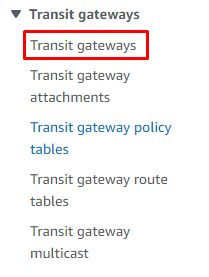
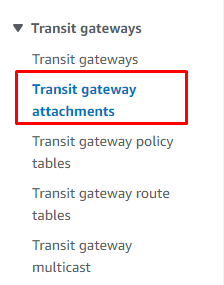
Step 2: On the navigation pane, choose Transit Gateway Attachments.
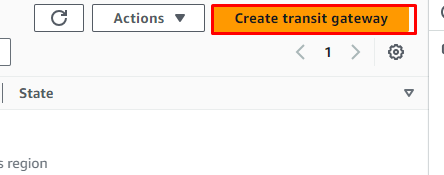
Step 3: Choose Create transit gateway
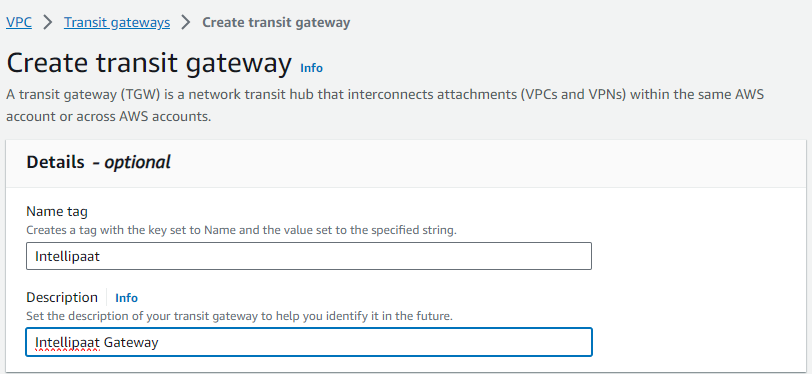
Step 4: It’s optional to add Name tag and Description for the transit gateway.
Step 5: For Amazon side Autonomous System Number (ASN), leave the default value to use the default ASN
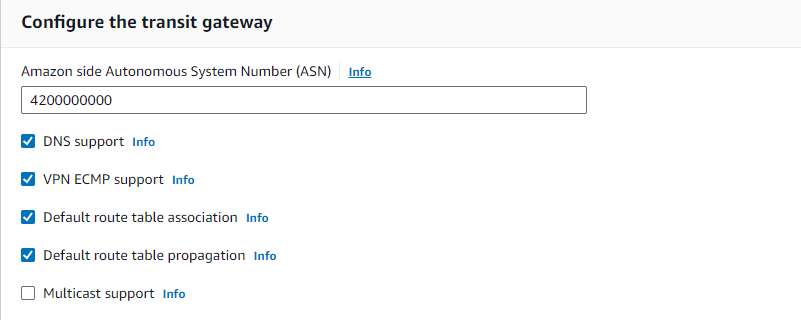
Step 6: For Transit gateway CIDR blocks, specify one or more IPv4 or IPv6 CIDR blocks for your transit gateway.

Step 7: Choose Create transit gateway.
Step 8: On the navigation pane, choose Transit Gateway Attachments.
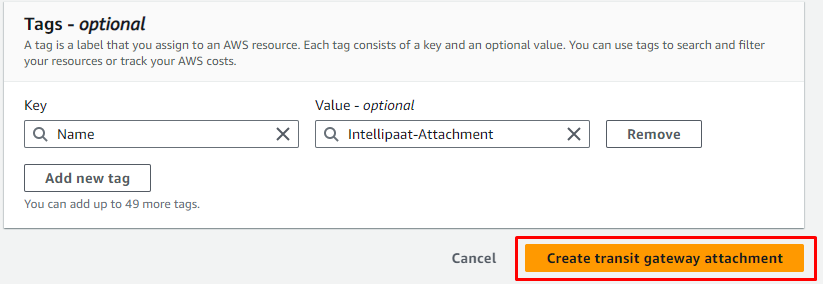
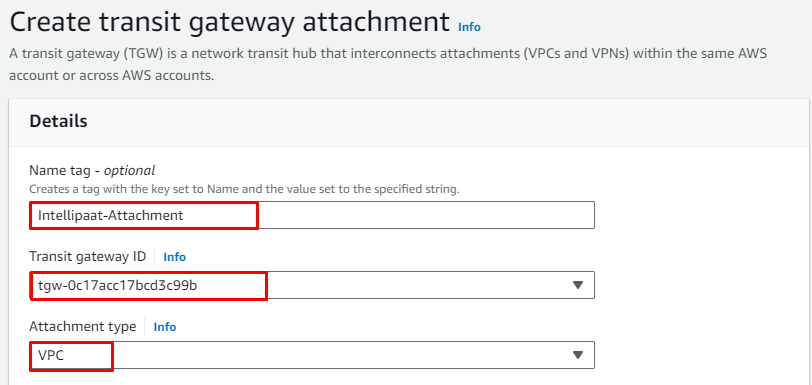
Step 9: Choose Create transit gateway attachment.
Step 10: For the Transit gateway ID, choose the transit gateway for the
attachment.
For the Attachment type, choose VPC
Step 11: For VPC ID, choose the VPC to attach to the transit gateway.
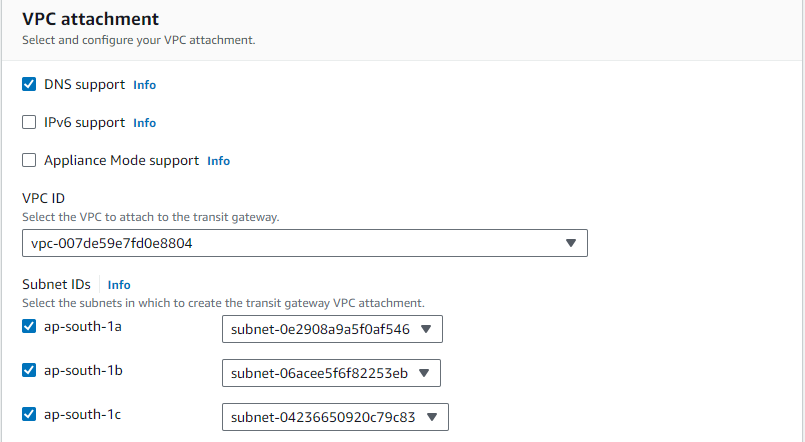
Step 12: Choose Create transit gateway attachment.