
Create an AWS Managed Microsoft AD Directory
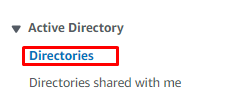
Step 1: In the AWS Directory Service console navigation pane, choose
Directories.
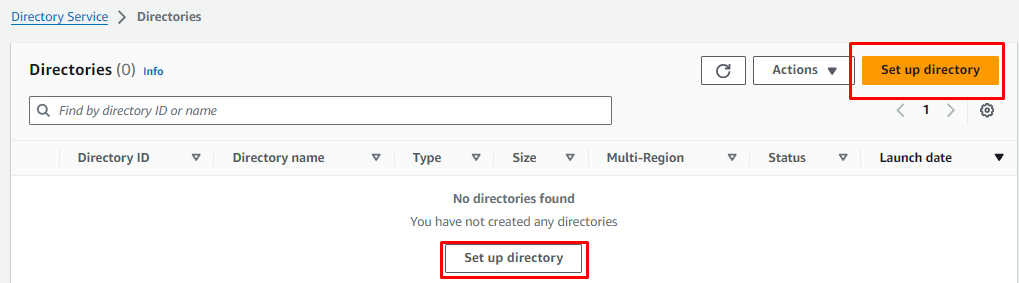
Step 2: Then choose Set up directory.
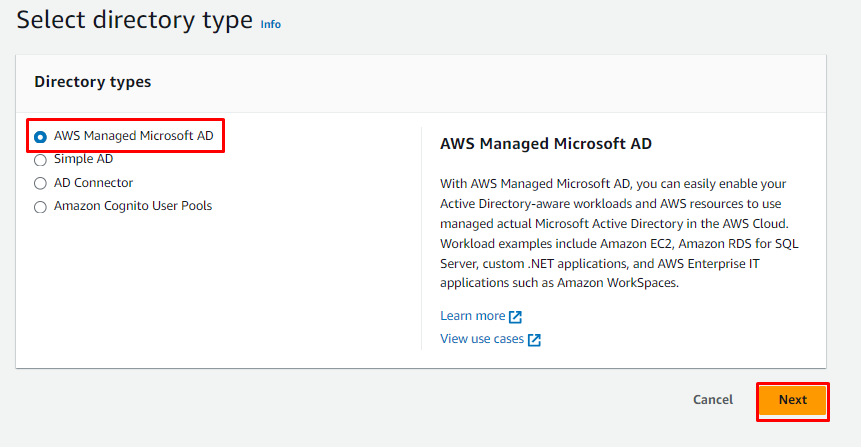
Step 3: On the Select directory type page, choose AWS Managed Microsoft
AD, and then click on Next.
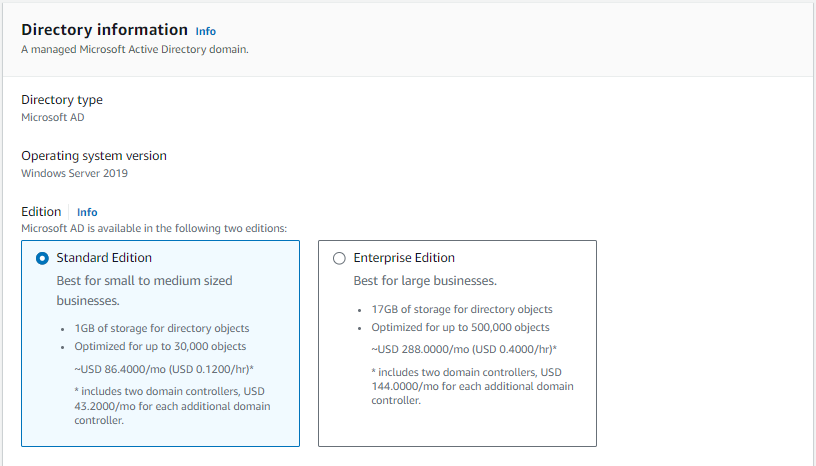
Step 4: On the Directory information page, choose the Standard Edition.
Step 5: Provide a DNS name for the directory of your choice.

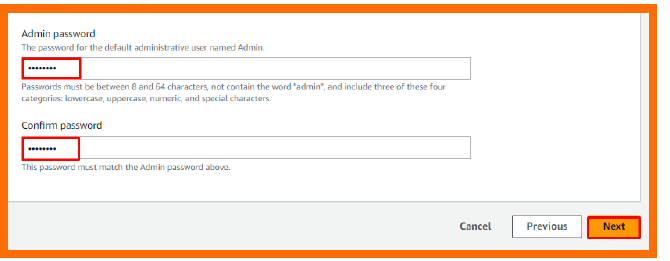
Step 6: Enter the Admin password and confirm the password for the AD. Once
done, click on Next.
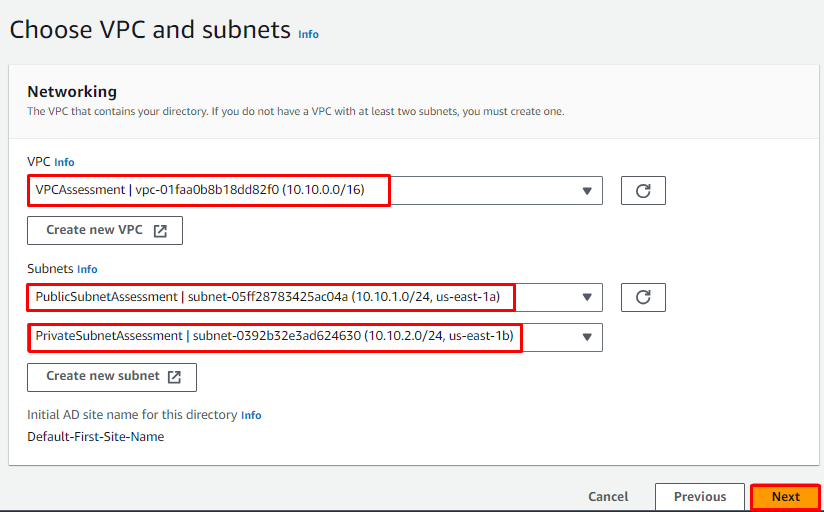
Step 7: In the Choose VPC and subnets section, select your VPC and click
Next.
Step 8: Choose Create directory.

