Pre-requisites
You are required to have a custom AMI created for the configuration of
Launch Template.
Create a Launch Template
Step 1: Sign in to the AWS Management Console and open the Amazon EC2
console at https://us-east-1.console.aws.amazon.com/ec2/
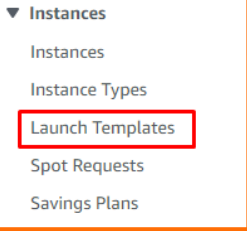
Step 2: On the navigation pane, under Instances, choose Launch Templates.
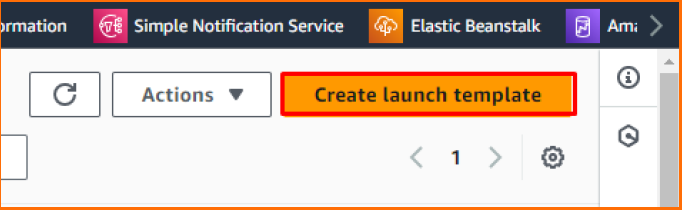
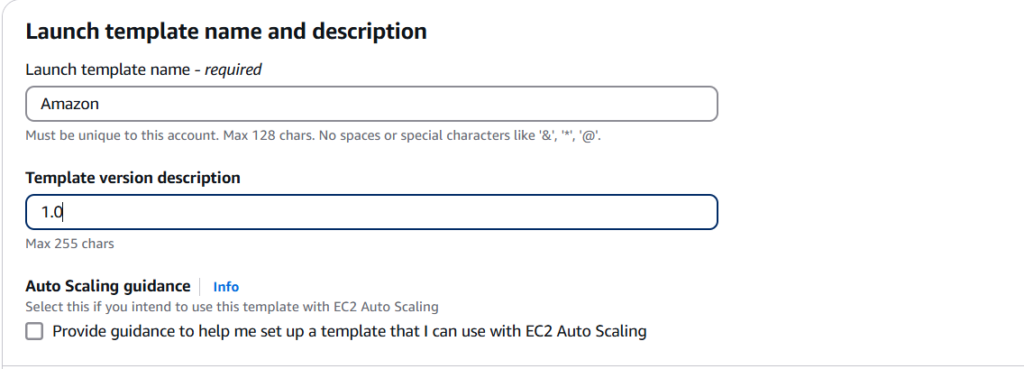
Step 3: Choose Create Launch template. Enter a name and description of the
initial version of the launch template
Step 4: Under Launch template contents, fill out each required field and any
optional fields as needed.
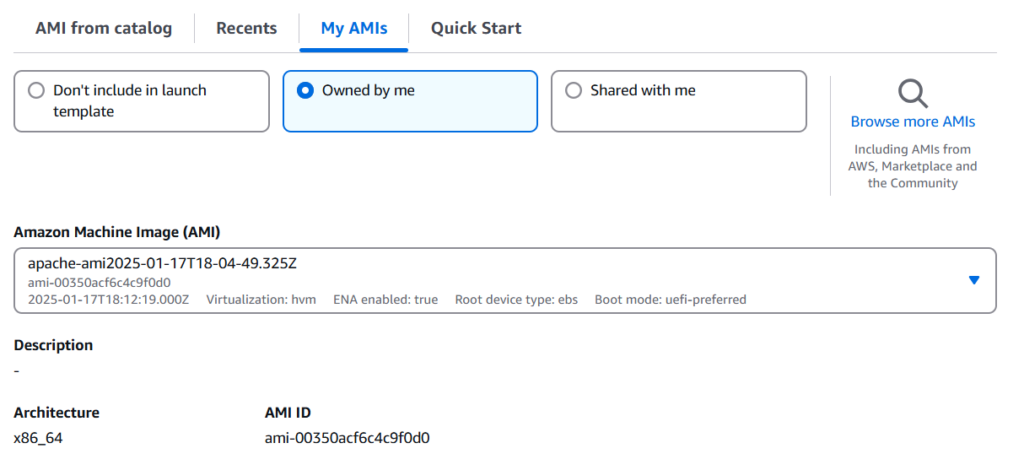
a. Application and OS Images (Amazon Machine Image): Owned by me
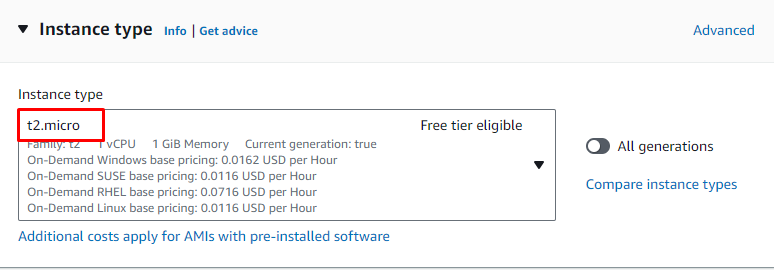
b. For Instance type, choose t2.micro.
c. For the Key pair name, choose an existing key pair.
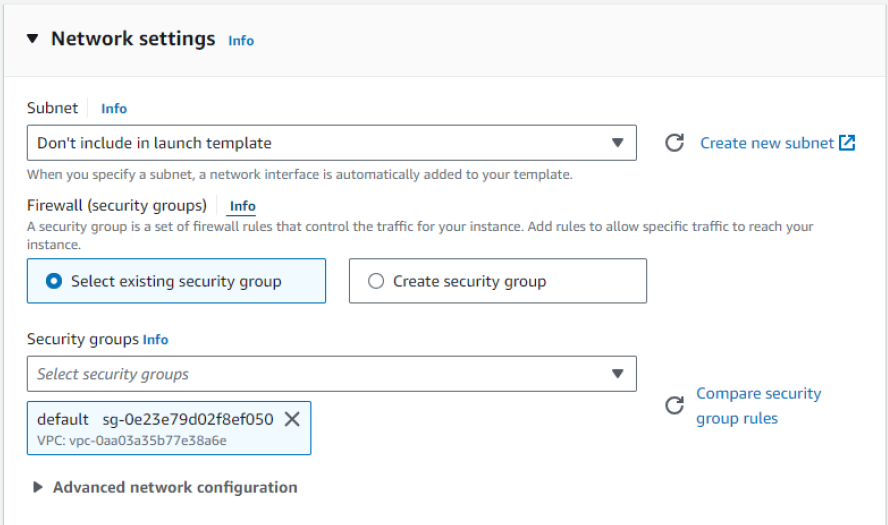
d. For Security Group, choose default.
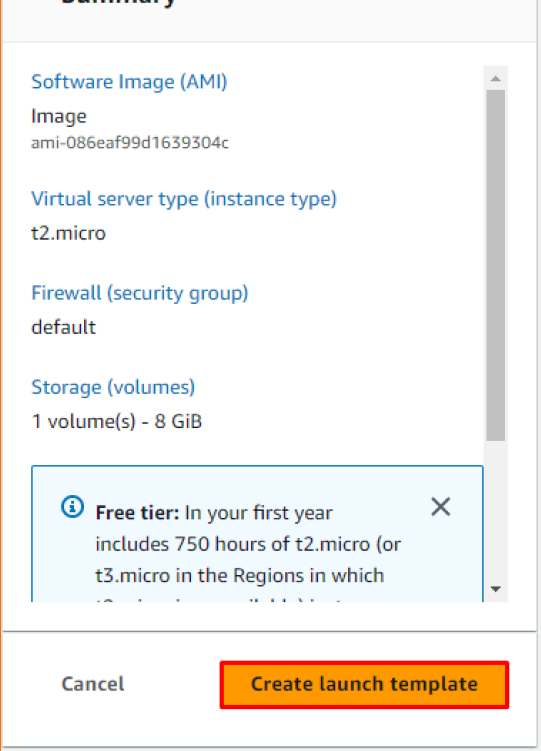
Step 5: To create the launch template, choose Create launch template.
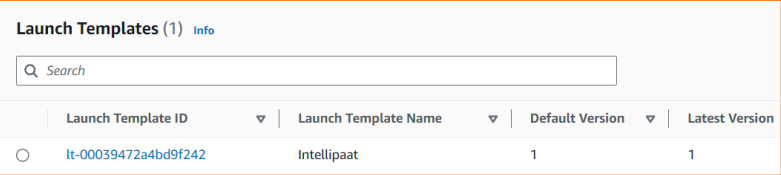
Step 6: Finally, once the Launch Template is created, it can be located on the Launch Template page.