
Pre-requisites
- Two Availability Zones with each containing at least one EC2 instance.
- A VPC having a minimum one public subnet in each of the above two
Availability Zones. This public subnet will be used for configuring load
balancer. - Install a web server on each instance and allow port 80 access on these
instances using the security group.
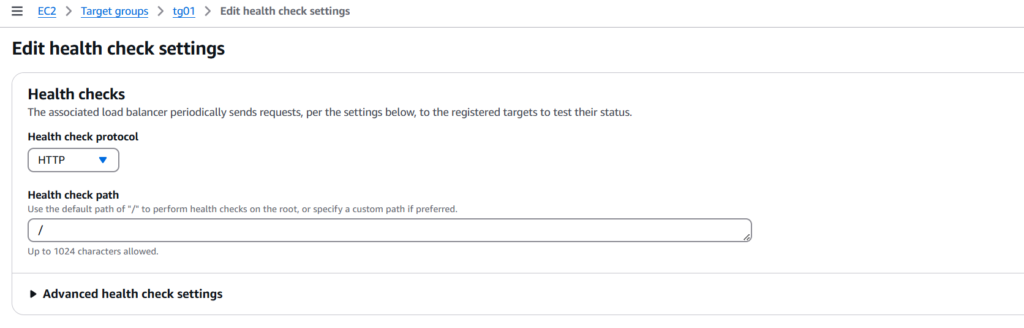
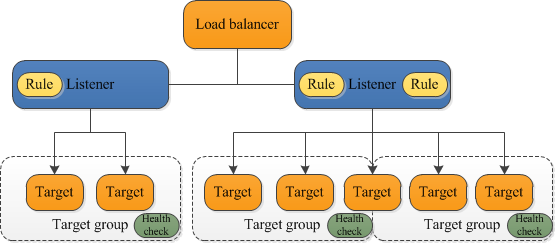
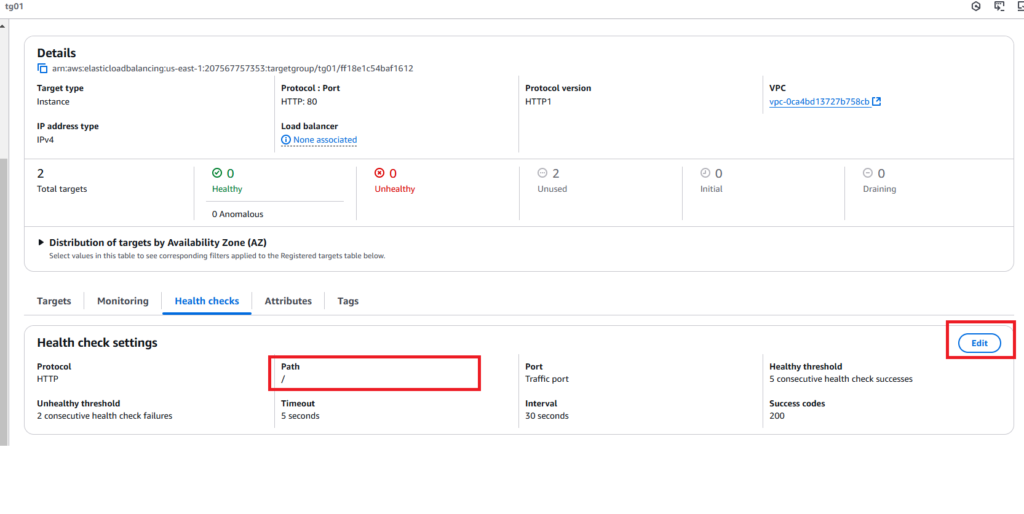
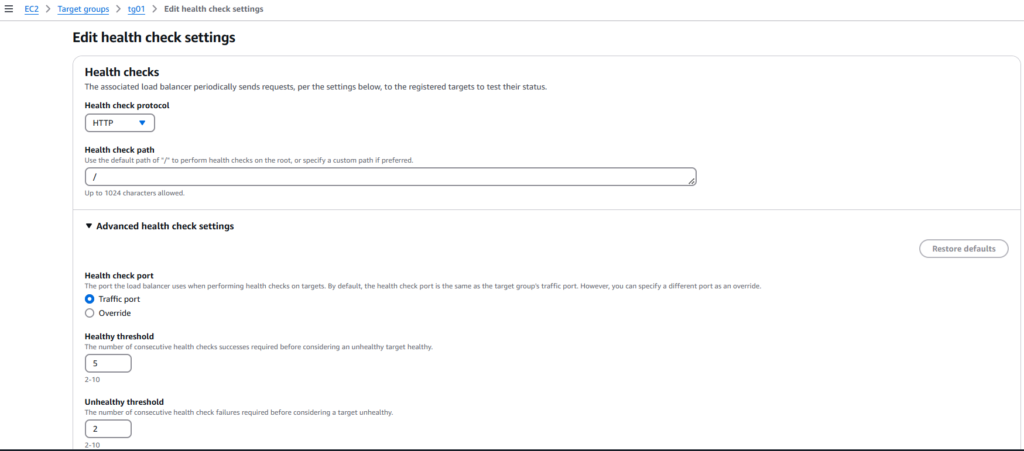
Configuring the Target group
Step 1: Refer to the previous Hands-on to configure target groups with
respective instances.
Step 2: Create an Application Load Balancer.
Adding Path Based Forwarding Rules
Step 3: Once the ALB status changes to Active, we will proceed with Forwarding
Rules. Click on the Load Balancer name and then go to the Listeners tab.
Step 4: Click on ‘View/Edit rules’ under ‘Rules’ column and then click on the ‘+’
symbol followed by ‘Insert Rule’:
Verifying the Setup
To check if everything is working as expected, open a web browser and paste the
DNS of the load balancer and append it with:

http://my-path-alb-1678734065.us-east-1.elb.amazonaws.com/signup
This is /signup will be path based routing.
