
Amazon S3 Manage Objects and Versioning
Step 1: Sign in to the AWS Management Console and open the Amazon S3
console at https://console.aws.amazon.com/s3/
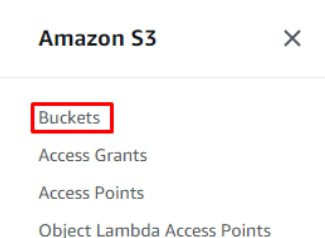
Step 2: In the left navigation pane, choose Buckets.
Step 3: Choose your Bucket

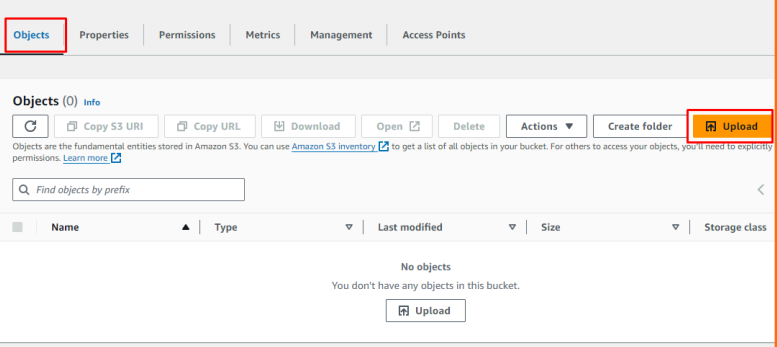
Step 4: On the Objects tab for your bucket, choose Upload.
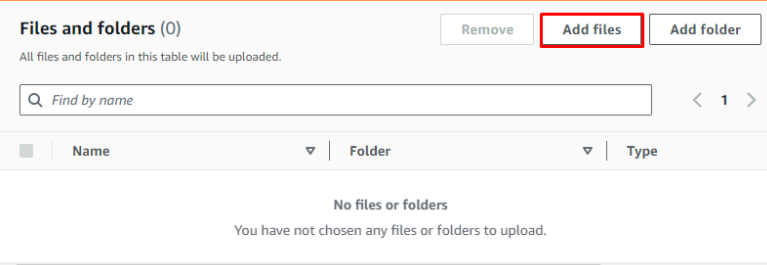
Step 5: Under Files and Folders, choose Add files.
Step 6: Choose a file to upload, and then choose Open.
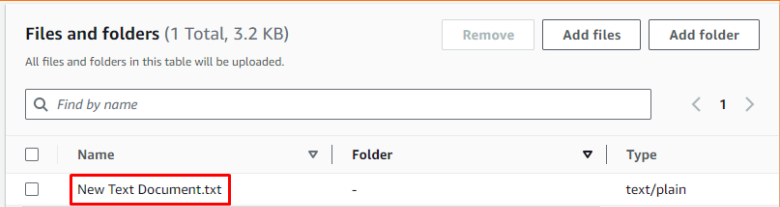
Step 7: Choose Upload.
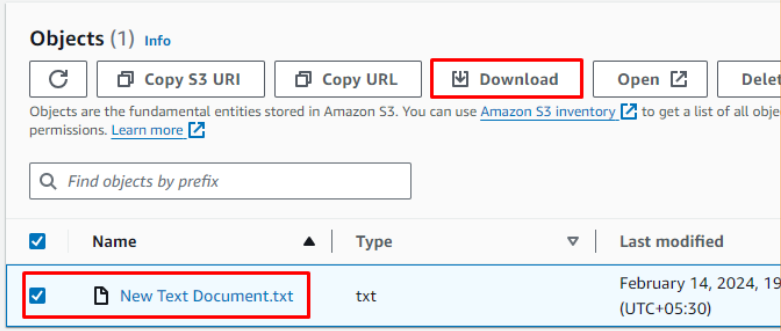
Step 8: You can download an object from an S3 bucket by selecting the check
box next to the object, and choosing Download.
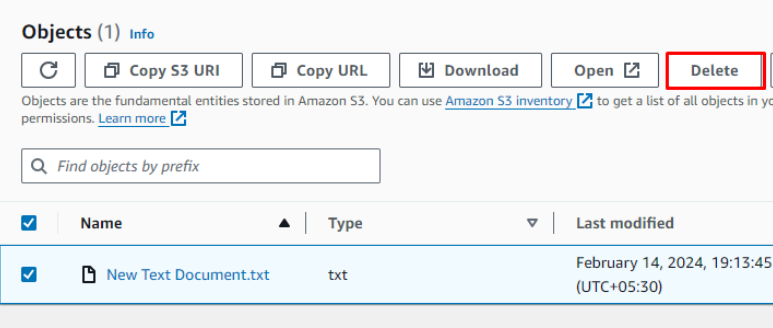
Step 9: To delete an object, select the object that you want to delete.
Step 10: Choose Delete from the options in the upper right.
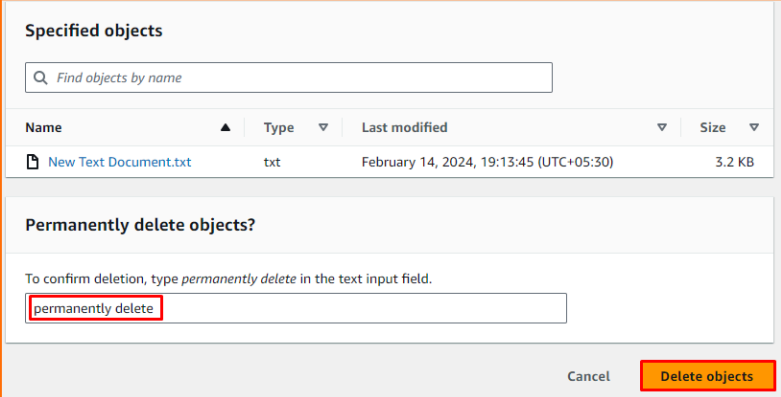
Step 11: On the Delete Objects page, type delete to confirm the deletion of your objects. Choose Delete objects.
To Enable or Disable Versioning on an S3 Bucket
Step 1: Sign in to the AWS Management Console and open the Amazon S3
console at https://console.aws.amazon.com/s3/
Step 2: In the Buckets list, choose the bucket name you want to enable
versioning for.
Step 3: Choose Properties.
Step 4: Under Bucket Versioning, choose Edit.
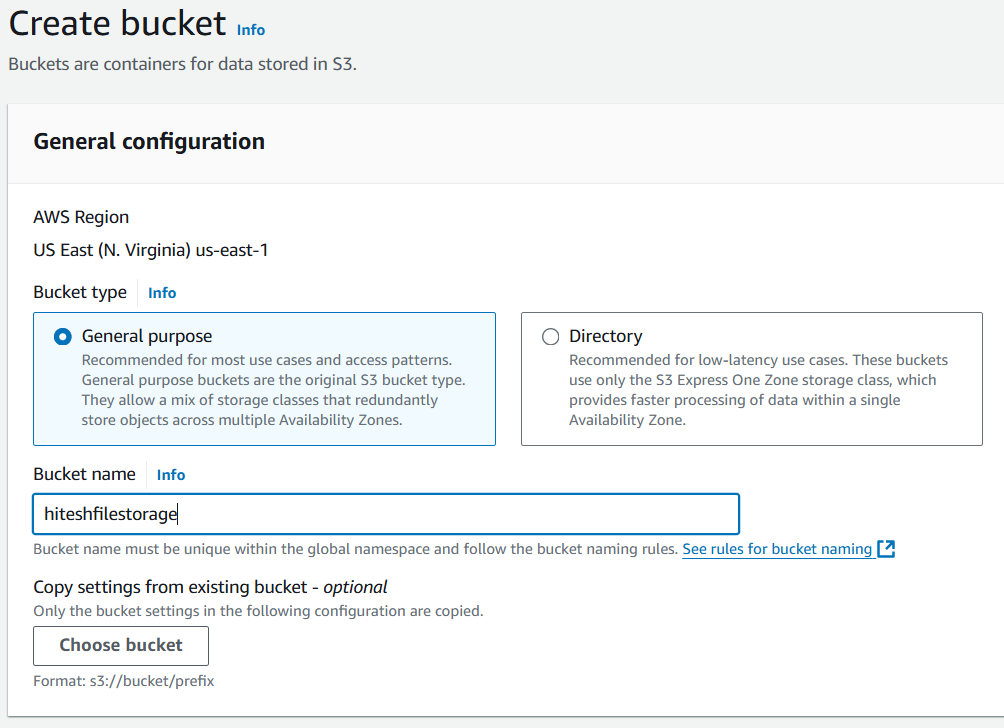
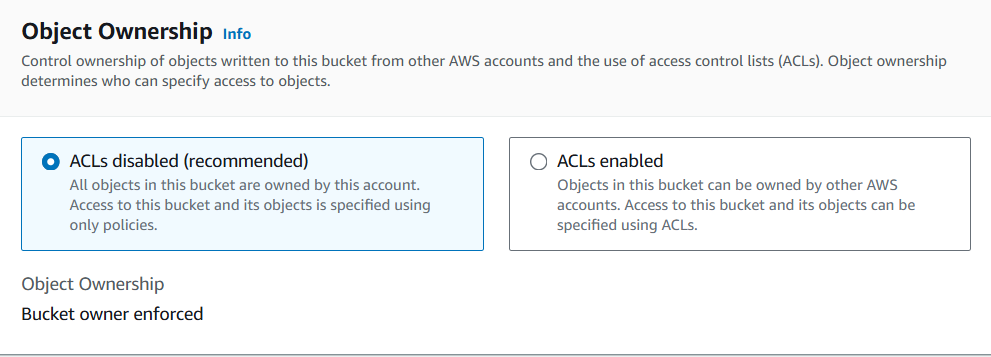
Provide the S3 bucket name it should be a unique name otherwise bucket will give you an error
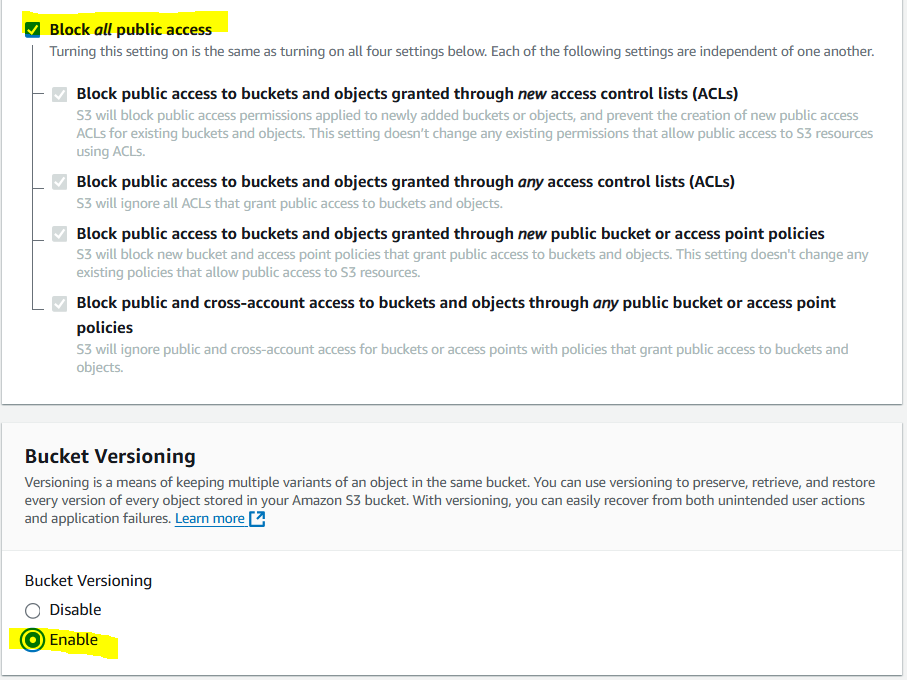
By default Block all public access is ticked do not uncheck unless you need a bucket to be public.
Select Enable Versioning.
Click on “Create Bucket”
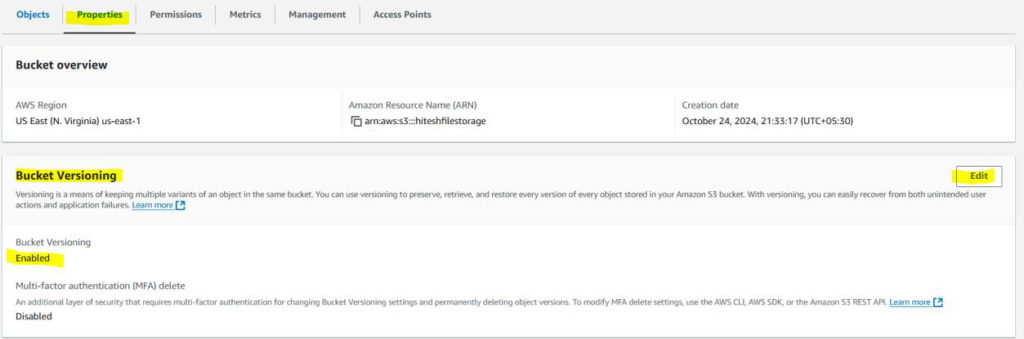
In case if you already have the bucket, click on the bucket name then it will go into the bucket properties
Click on Edit (Bucket Versioning)
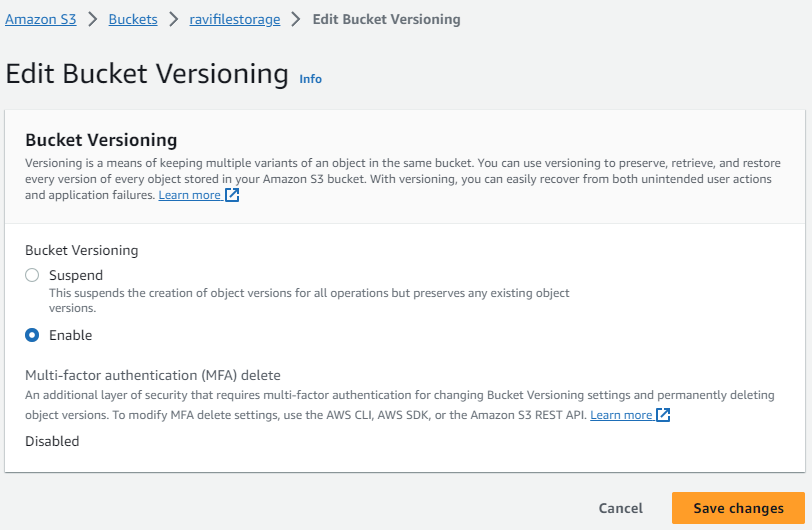
Once you enable the versioning you can’t disable, you can suspend the versioning.
Select Enable then Click “Save Changes”
Now upload the objects to bucket

I have uploaded a simple text file successfully
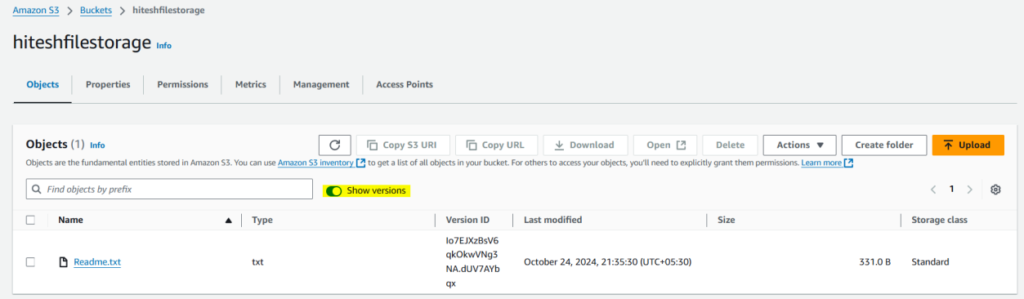
Slide the show versions button to see the multiple versions of the same object
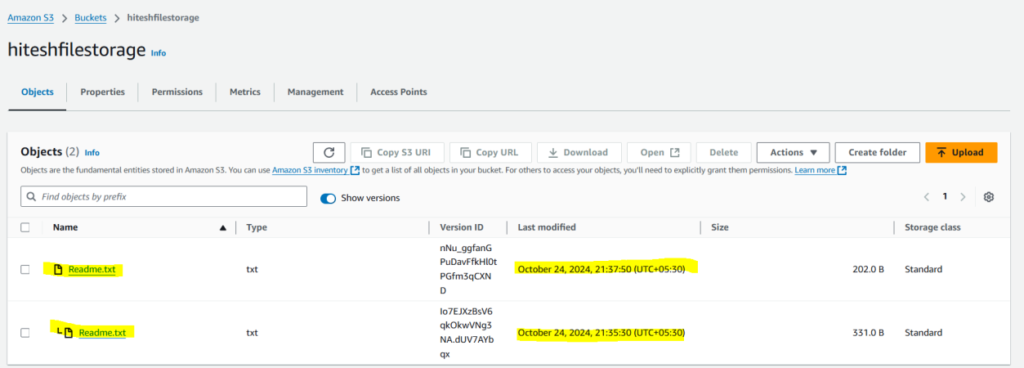
I have uploaded the text file with minor modifications it saved multiple versions
That’s all I could able to see the versioning is working fine.
