
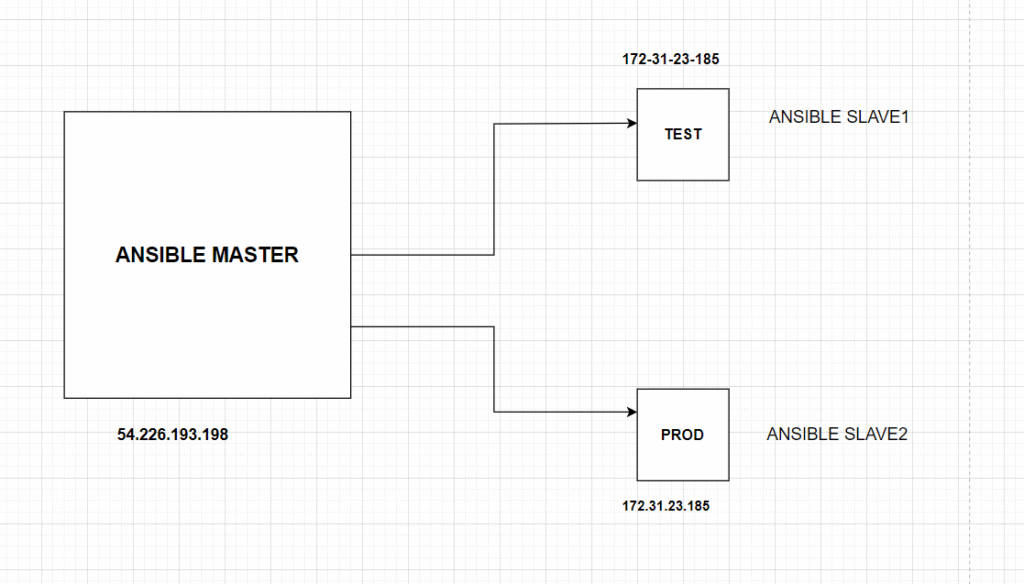
- Setup Ansible cluster with 3 nodes
Launch 3 Instances in AWS and add Tags as Ansible-M, Ansible-S1,Ansible-S2
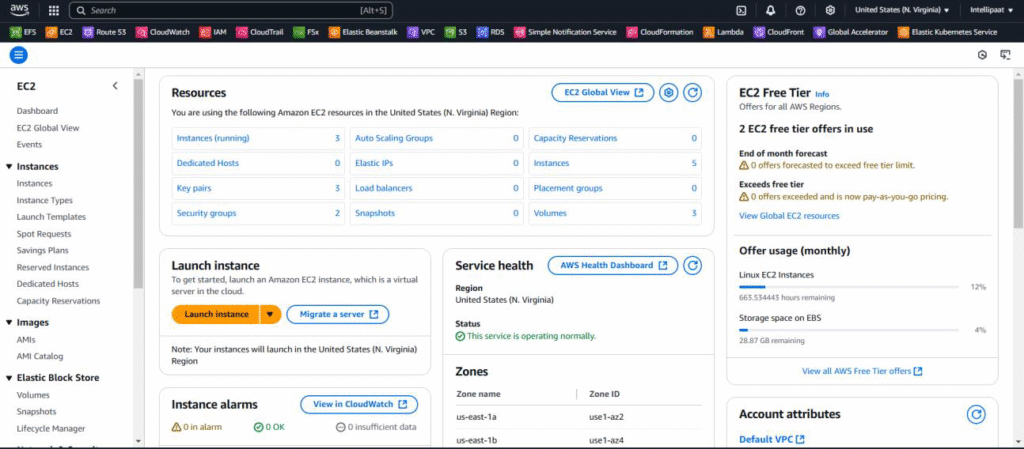
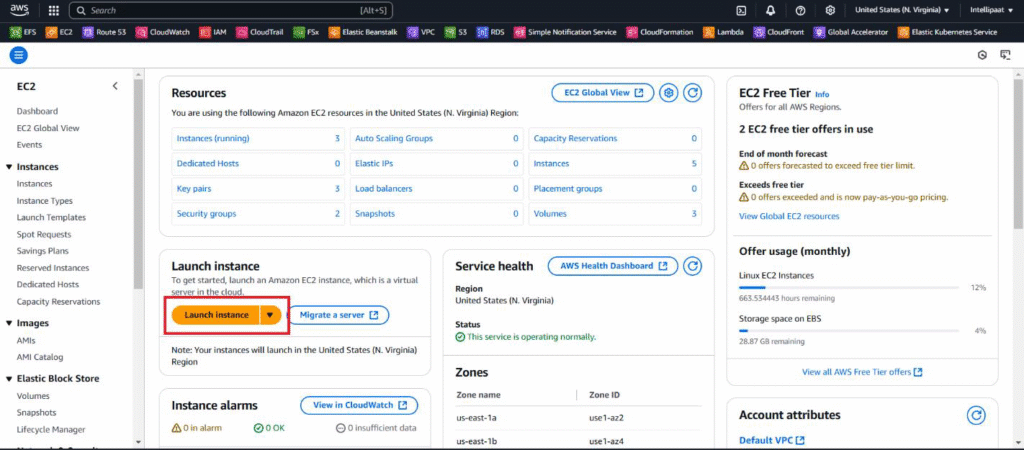
Click the Launch Instance and Launch 3 Instance
After Launch the instances Rename the instances.
1.ansible master
2.ansible slave 1
3.ansible slave 2

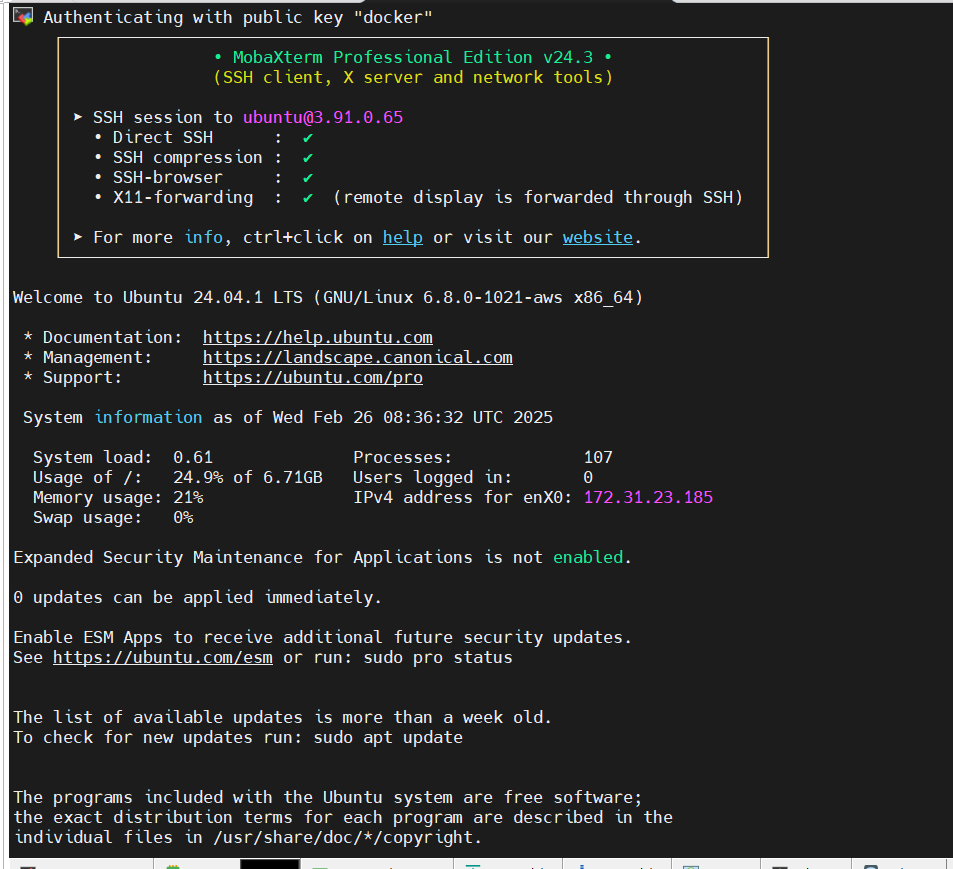
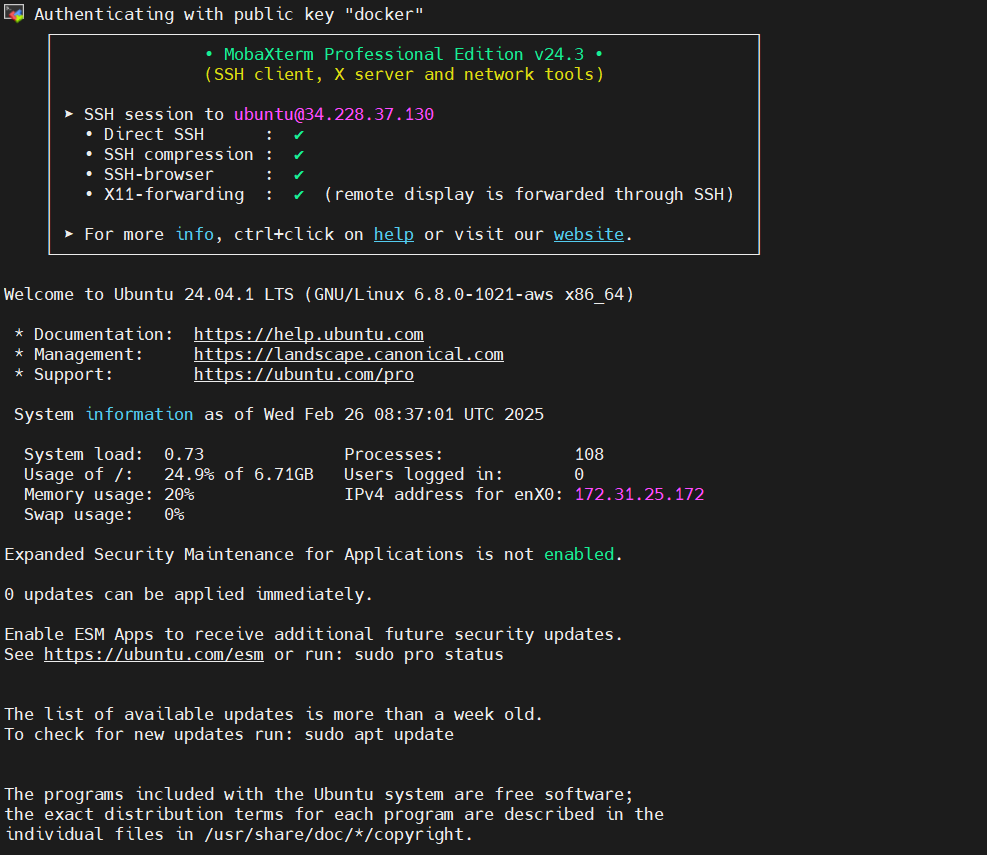
Connect with all the three Instances.
This is my master node.
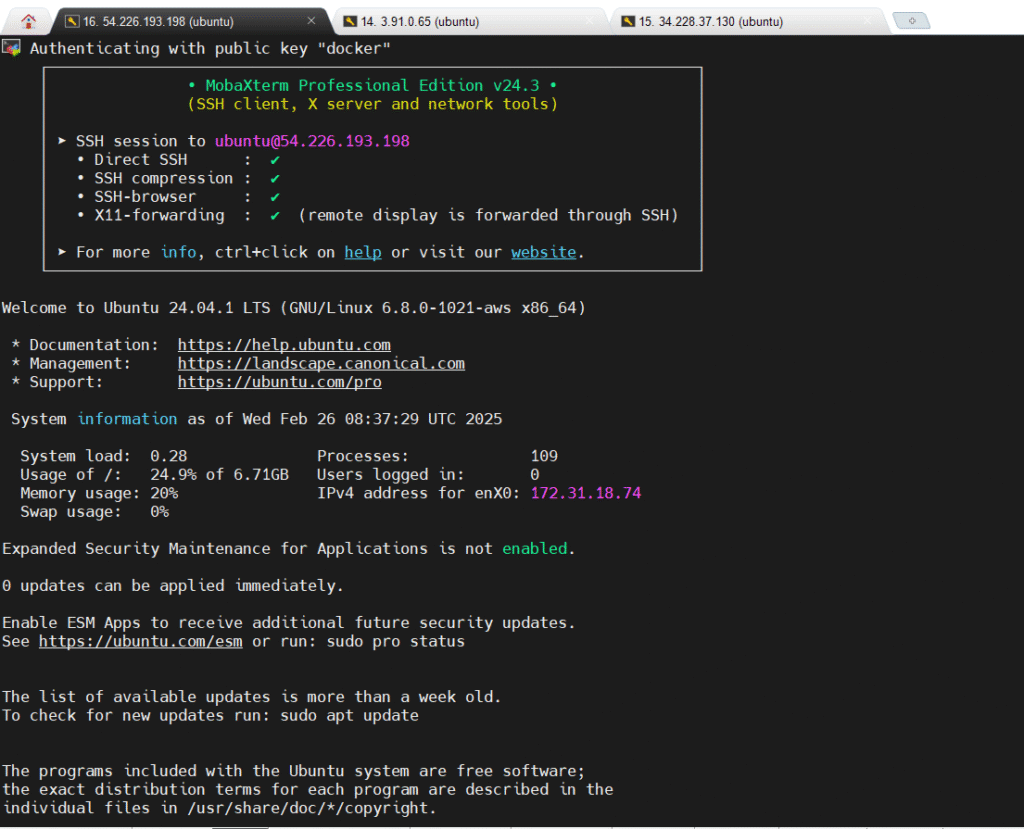
This is my ansible slave 1 node
This is my ansible slave 2 node
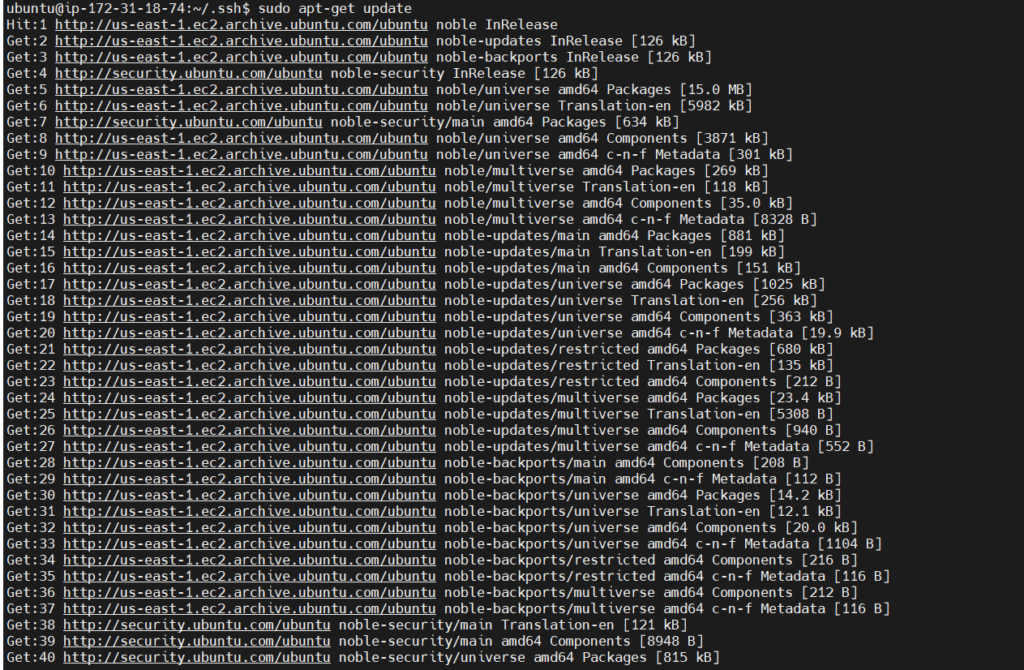
Now We need to Install Ansible on Master Instance (ansible master)
sudo apt update
sudo apt install software-properties-common
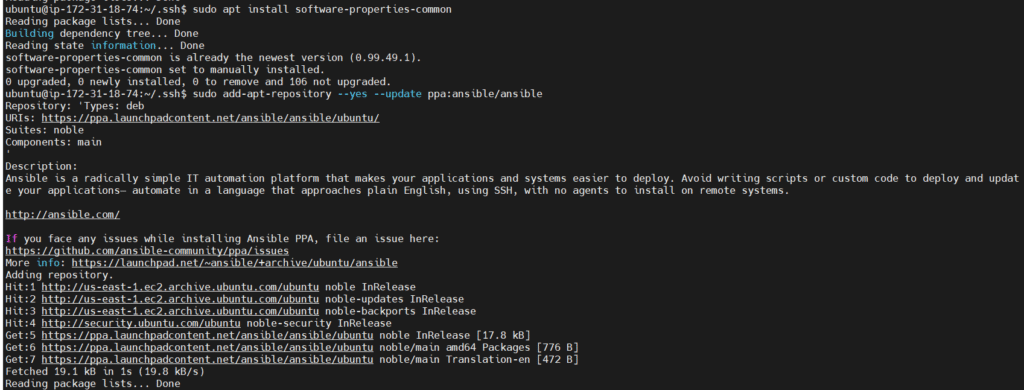
sudo add-apt-repository –yes –update ppa:ansible/ansible
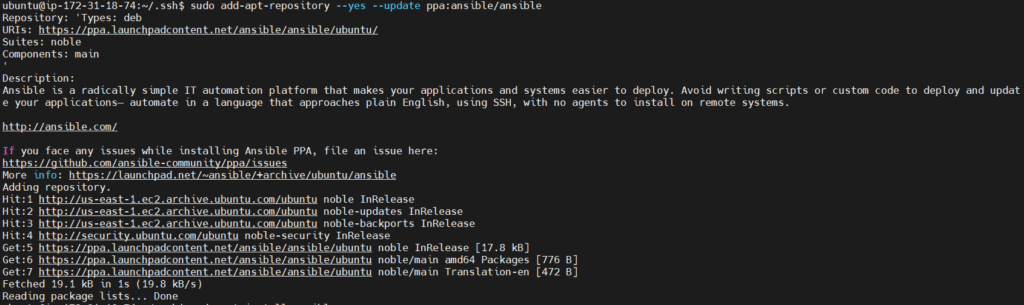
sudo apt install ansible
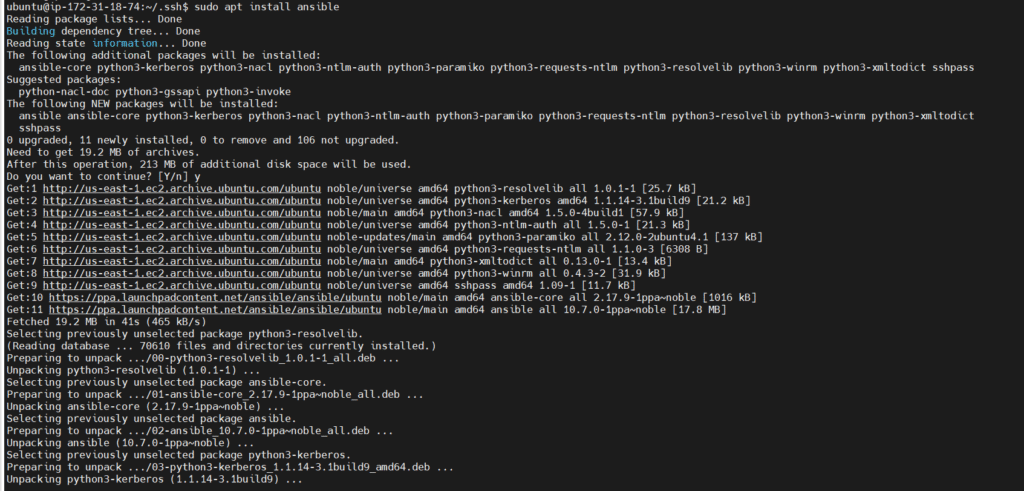
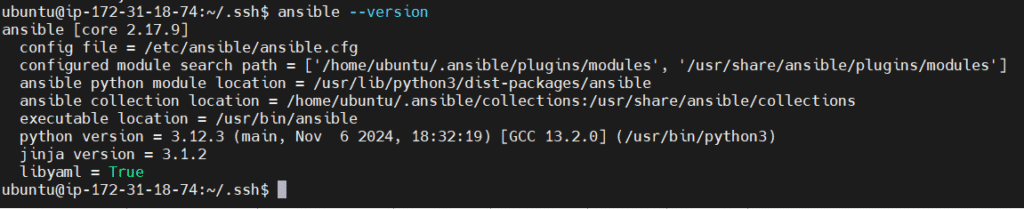
After install the ansible we need to check the version.
ansible –version
Now we need to create a connection b/w master and slaves1,slave2
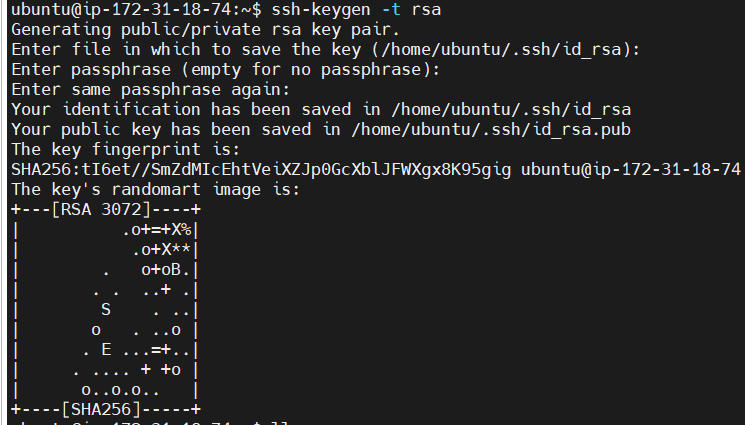
for the connection, we need to generate a keypair in master and pasting the keypair will help us to connect with slave1,slave2
ssh-keygen (ansible master)
key will be saved in :
/home/ubuntu/.ssh/id_rsa.pub
Ansible Master

Ansible Slave 1

Ansible Slave 2

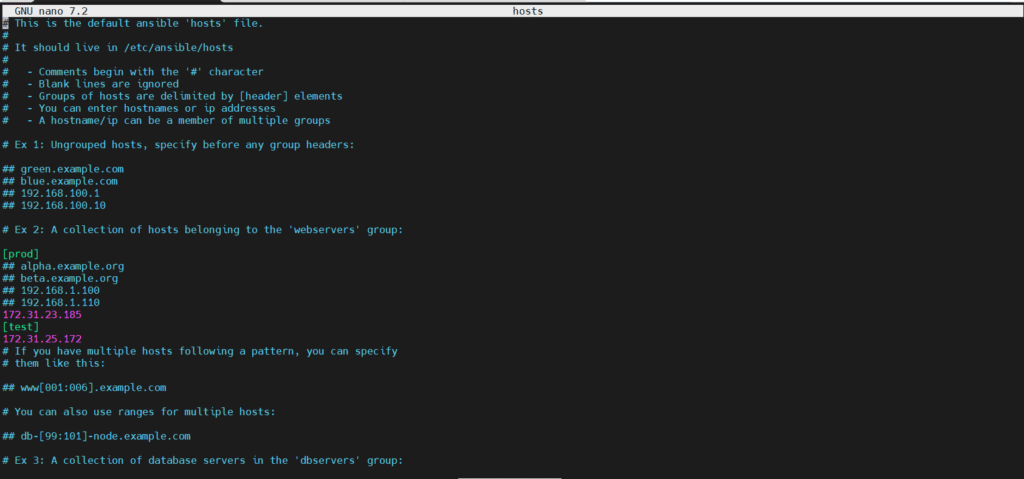
we need to add the slave Private-IP into the ansible host file
path of the ansible host file: cd /etc/ansible/

After Run This Command
sudo nano hosts.We need to grouping the server.
[prod]
172.31.23.185
[test]
172.31.25.172
NOTE:-If you want to add more any of server in this prod and test section just add the ip address.
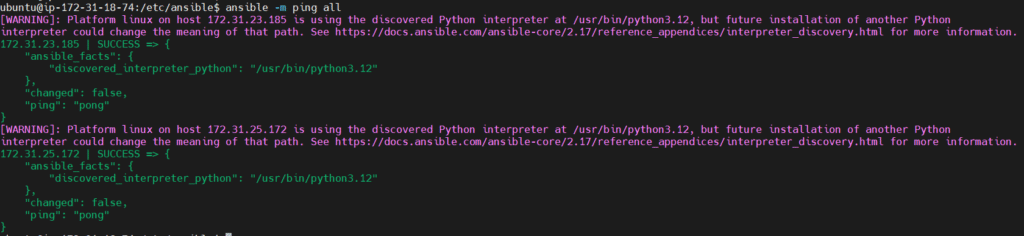
to check whether the connection is successful or not
After Done we need to create the one yaml file so this yaml file helps to install java and my sql server.we need to mention what need to be give task.so in my case I want to install java in test and install mysql in prod so need to define in yaml file like this.
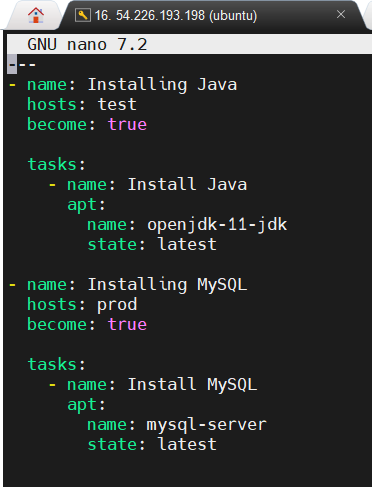
Sudo nano play1.yaml
In Yaml File when writing we need to define first line like this —
This is the Ansible Basic Templates yaml written like this.
name:
hosts:
become:
tasks:

name:
apt:
name:
state:

name:
hosts:
become:
tasks:

name:
apt:
name:
state:
So this is the assigned as per above mentioned task to ansible below.this is yaml file I have mentioned 2 task.
1.Install java in test machine
2.install mysql in prod machine
---
- name: Installing Java
hosts: test
become: true
tasks:
- name: Install Java
apt:
name: openjdk-11-jdk
state: latest
- name: Installing MySQL
hosts: prod
become: true
tasks:
- name: Install MySQL
apt:
name: mysql-server
state: latest
Now Need To save code in play1.yaml
this file is used for installing Java in Salve 1 which is test as the group name and MySQL and Slave 2 which is prod as the group name.
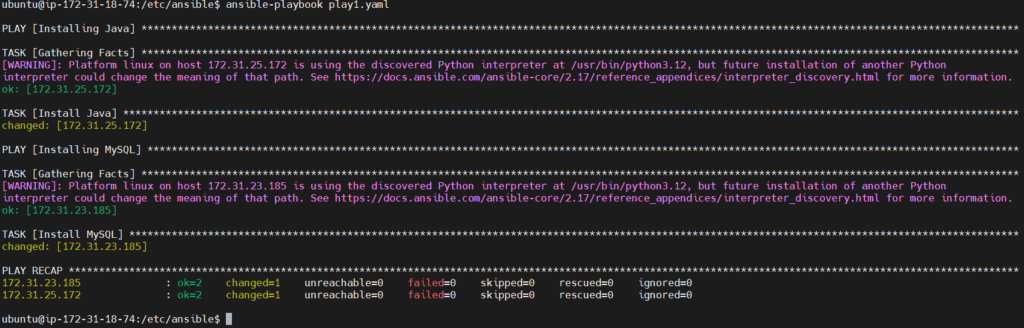
2.On slave 1 install Java

3.On slave 2 install mysql

