Here's how to create a CloudWatch alarm in the AWS Management Console:
Login to the AWS Management console then search for Cloudwatch
1. Navigate to CloudWatch:
Open the AWS Management Console, search for "CloudWatch" in the services search bar, and click on it.
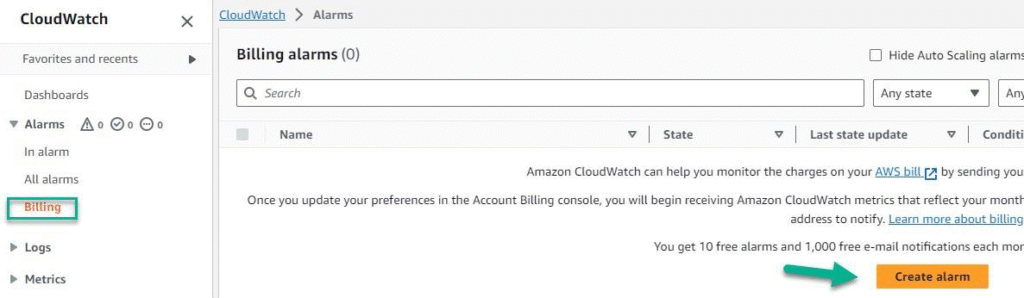
CloudWatch → Alarms → Billing → Create Alarm
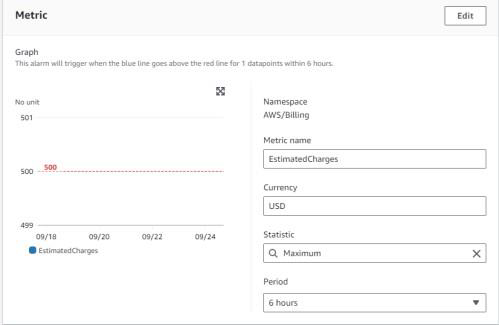
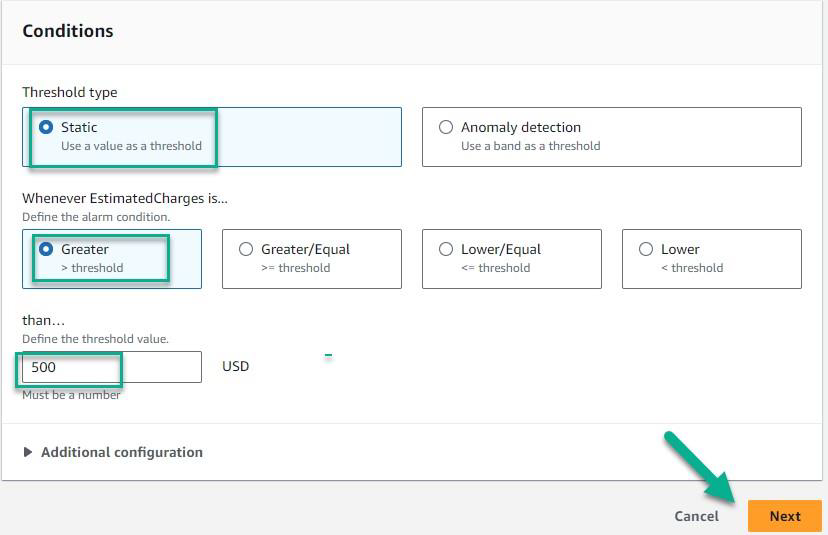
Select the conditions based on your requirement
Type: Static
Estimated Charges: Greater than
$500
Click
Next
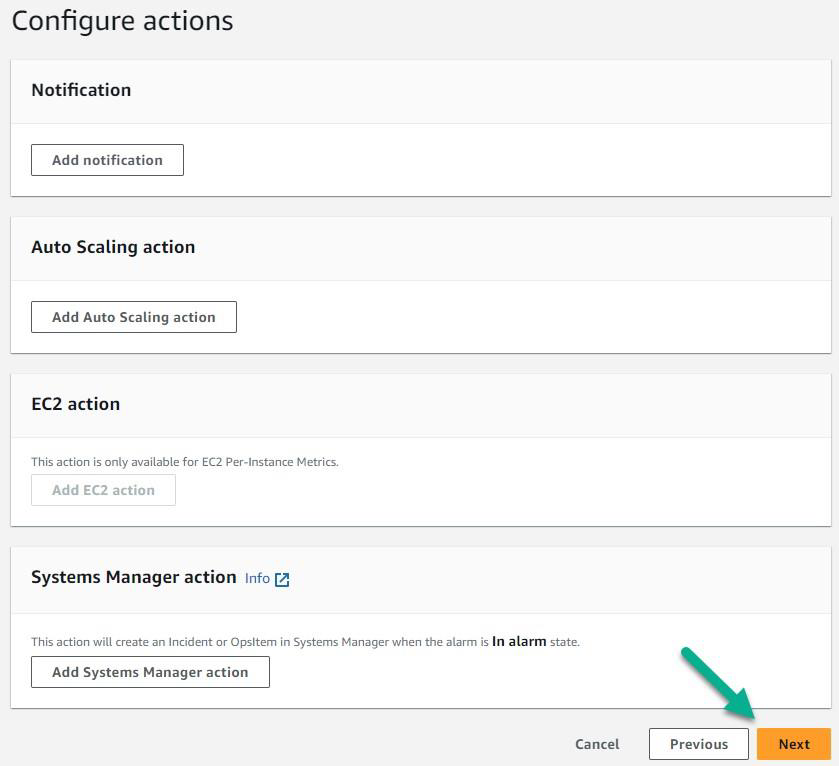
Click Next
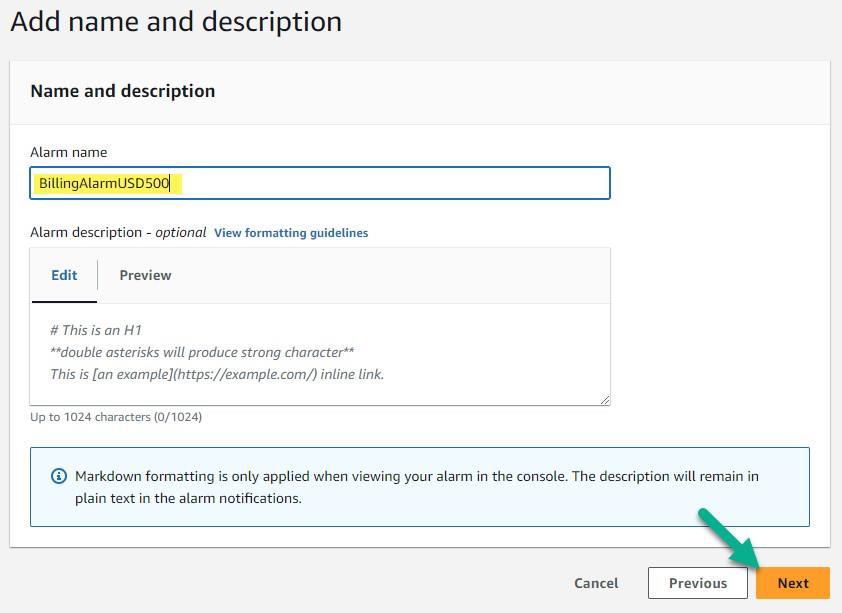
Preview and confirm the alarm
“Create Alarm”
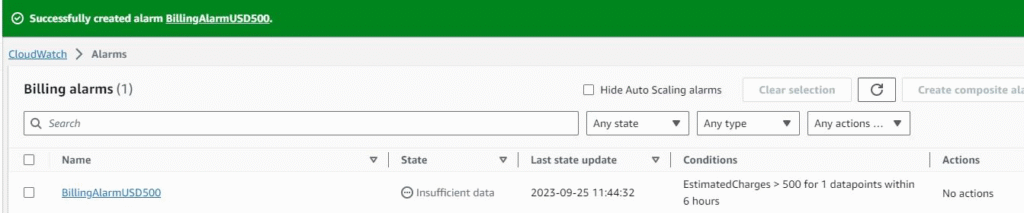
The alarm was Created successfully as per the requirement. Which will trigger the alarm when the usage of the AWS account reaches $500.
Creating an Alarm for CPU Utilization notification
CloudWatch → In Alarm → Create Alarm
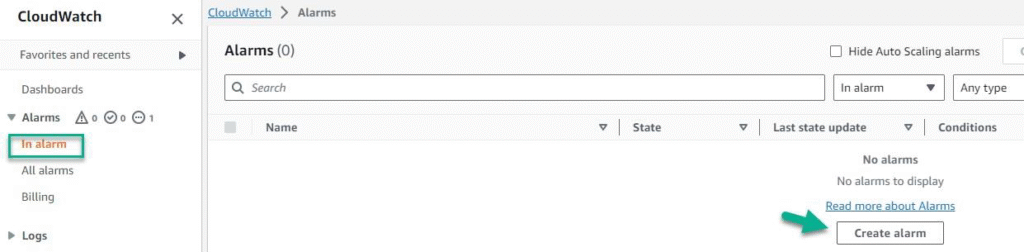
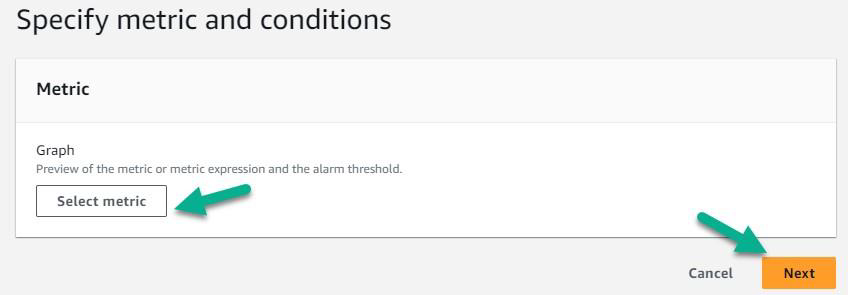
Select metric → EC2 → Per-Instance Metrics → CPU Utilization

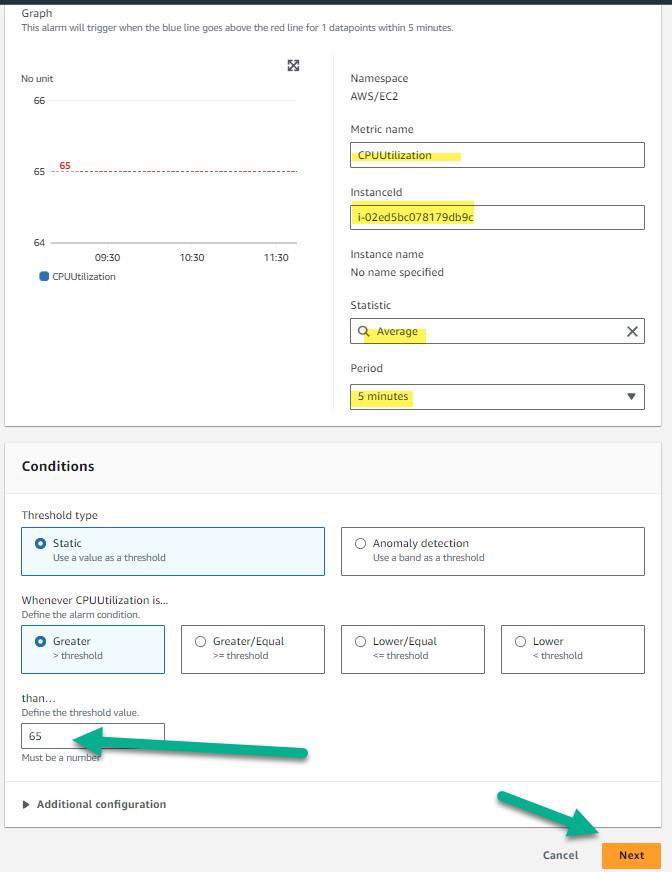
Select the threshold Greater/Equal => 65%
Click Next
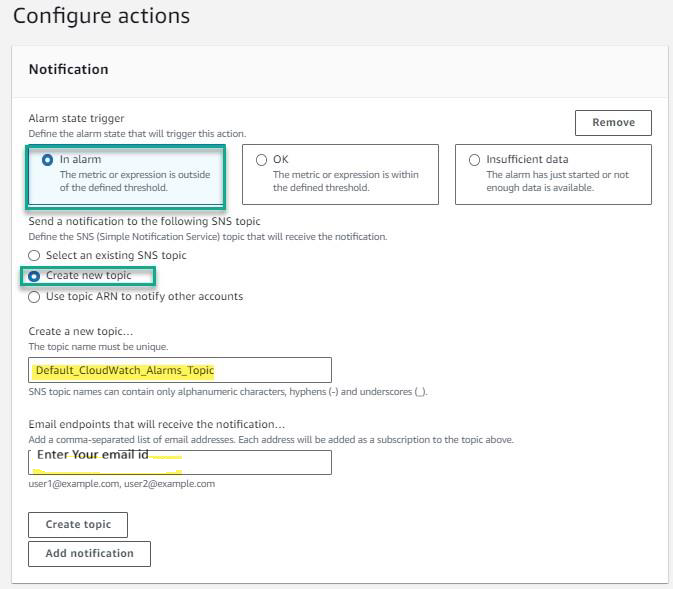
I do not have an SNS topic already created so I am creating a new SNS topic, if you have already a topic just select the existing SNS topic
Click “Create Topic”
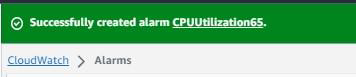
Preview and Create the Alarm
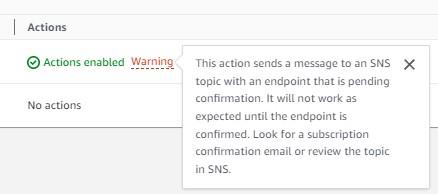
In order to get the email notifications you have to confirm the subscription from your email address
Click
Next
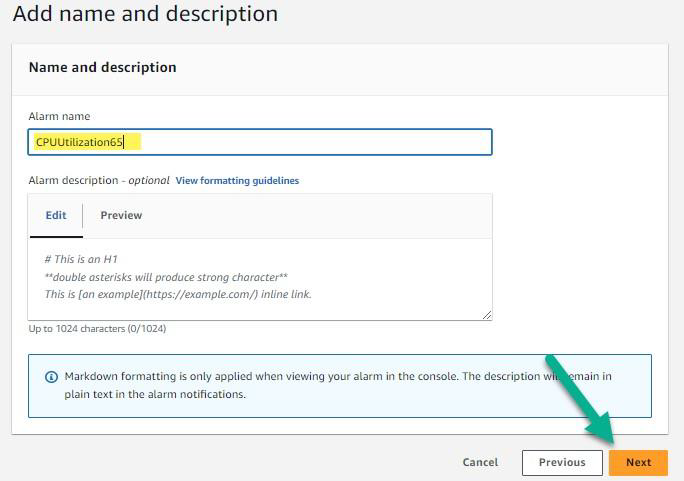
Provide the Alarm Name, Click
Next
Preview and Create the Alarm
In order to get the email notifications you have to confirm the subscription from your email address