
Step 1: Open the Amazon EC2 console at
https://console.aws.amazon.com/ec2/
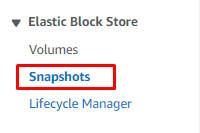
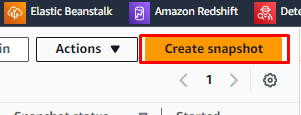
Step 2: In the navigation pane, choose Snapshots -> Create snapshot.
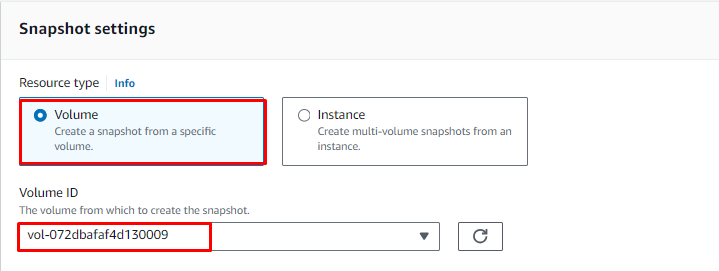
Step 3: For Resource type, choose Volume. For Volume ID, select the volume
you wish to create a snapshot of.
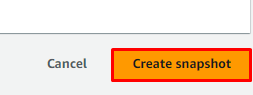
Step 4: Click on Create snapshot.
Restore instance from a snapshot
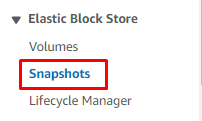
Step 5: Select Snapshots from the left pane.
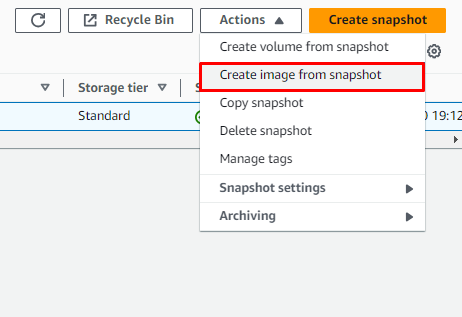
Step 6: Select Actions, then click Create image from snapshot.
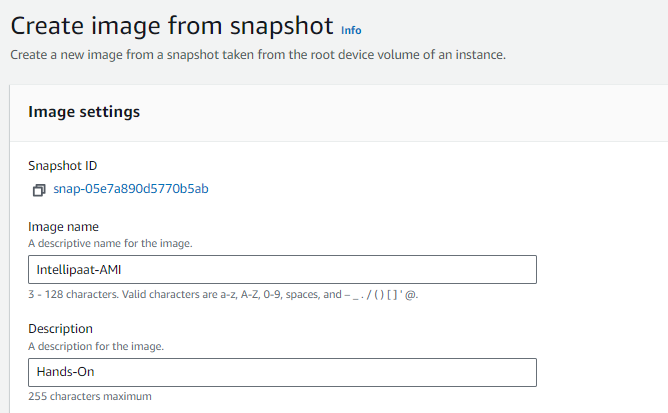
Step 7: Provide Image name and Description.
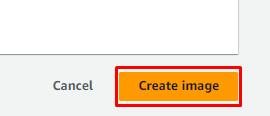
Step 8: Select Create image.
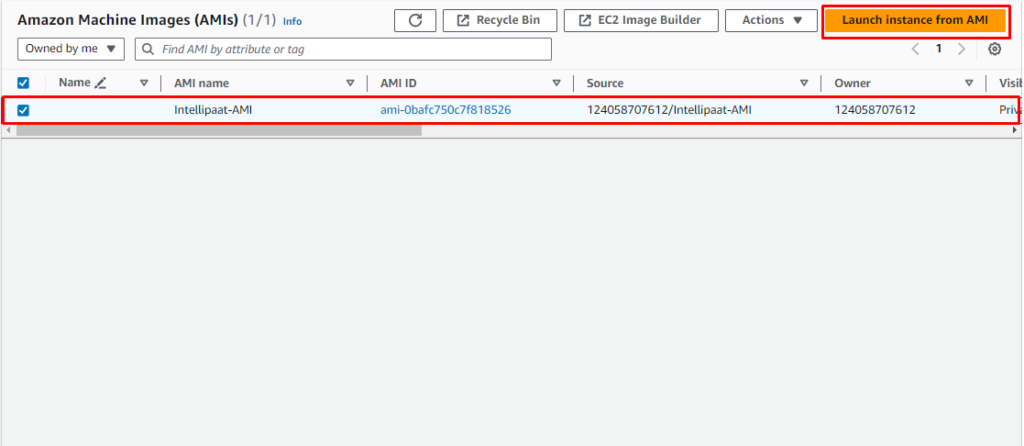
Step 9: Open the AMI section and select your AMI. Once created, click Launch
instance from AMI.
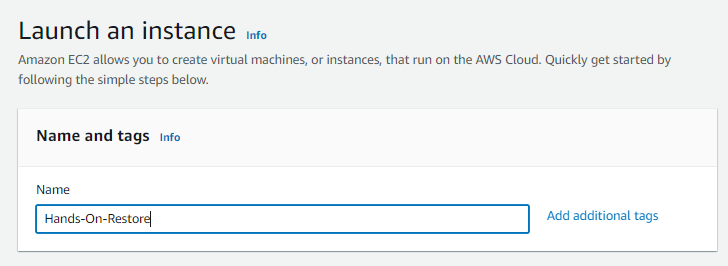
Step 10: On the Launch an instance page, provide a Name for your instance.
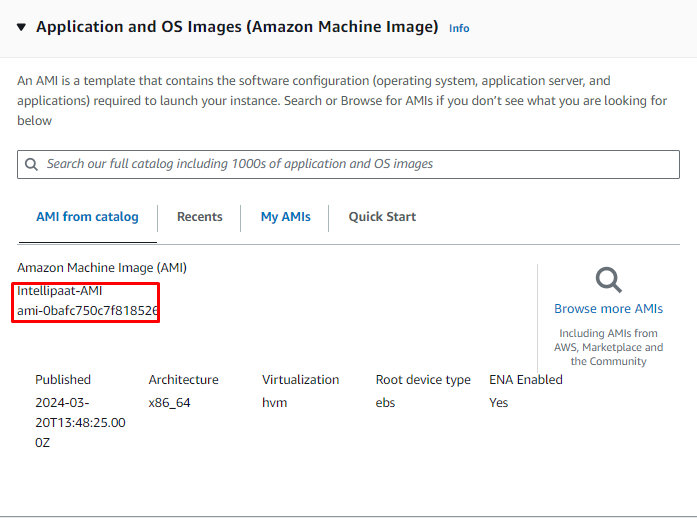
Step 11: Under the AMI section, your image will be selected by default.
Step 12: Finally, launch the instance by referring to Hands On 1: Launch and connect to the ec2 instance.
