Enable Sticky Sessions
Step 1: Sign in to the AWS Management Console and open the Amazon EC2
console at https://us-east-1.console.aws.amazon.com/ec2/
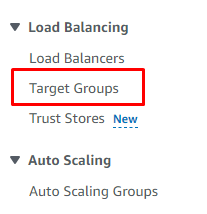
Step 2: On the navigation pane, under Load Balancing, choose Target Groups.
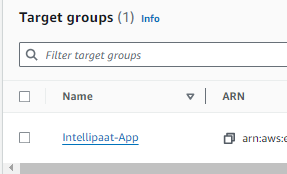
Step 3: Choose the name of the target group to open its details page.
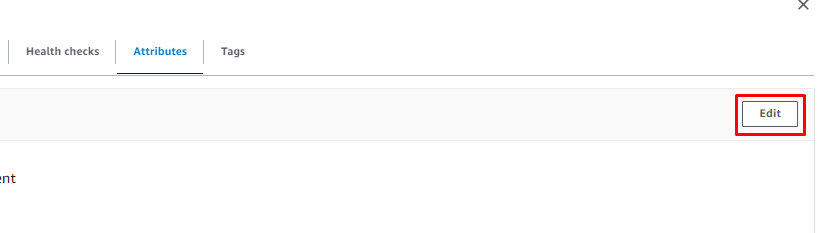
Step 4: On the Group details tab, in the Attributes section, choose Edit.
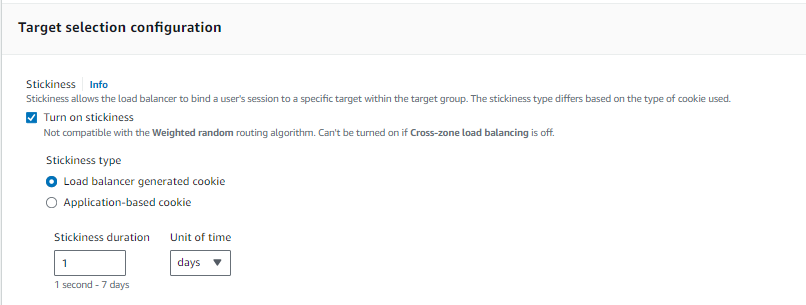
Step 5: On the Edit attributes page, do the following:
● Select Stickiness.
● For Stickiness type, select Load balancer generated cookie.
● For Stickiness duration, specify a value between 1 second and 7 days.
● Choose Save changes
Step 6: Choose Save Changes