
Login to AWS Management Console Then Search DynamoDB
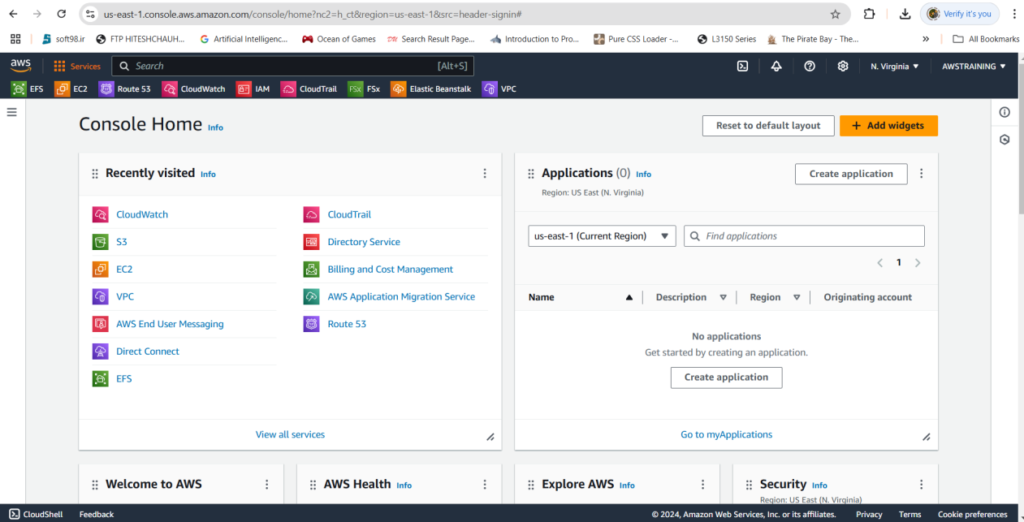
Click The DynamoDB
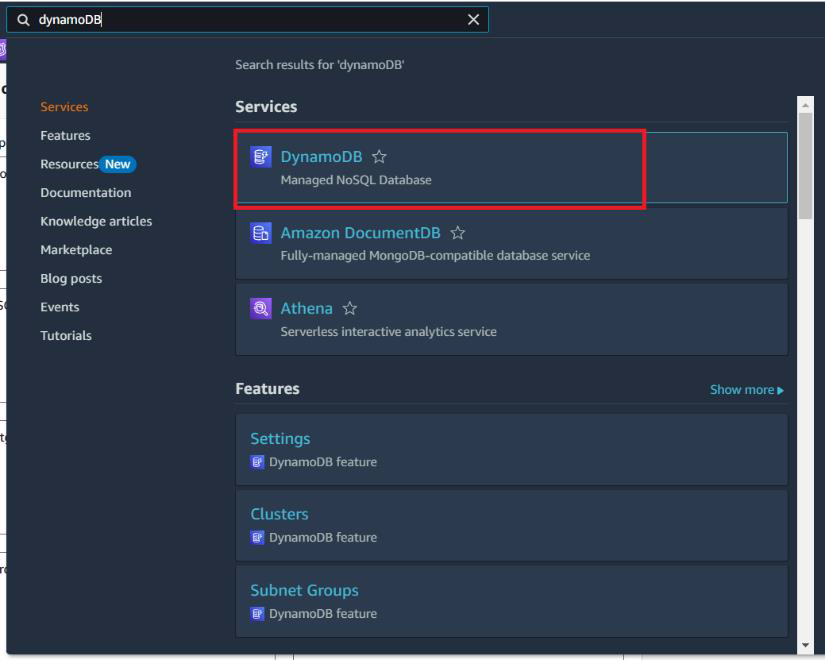
After Click The DynamoDB.You will see like this screen.
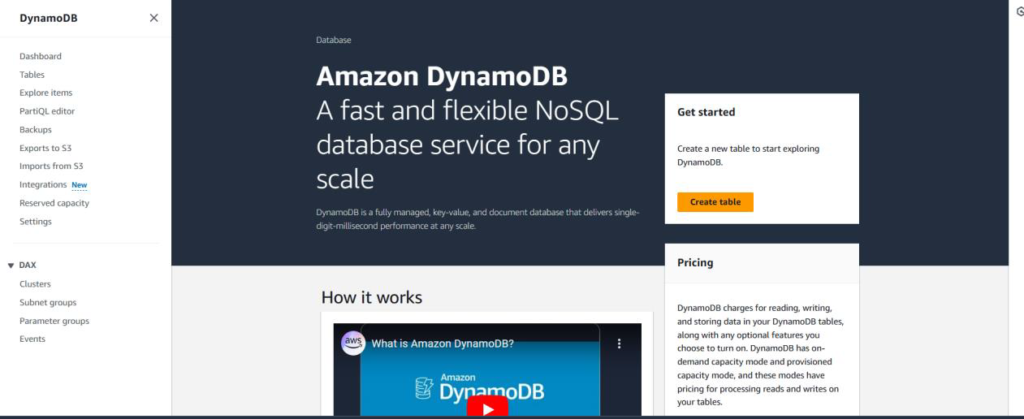
After Click The Create Table You will See like Filling to table details.
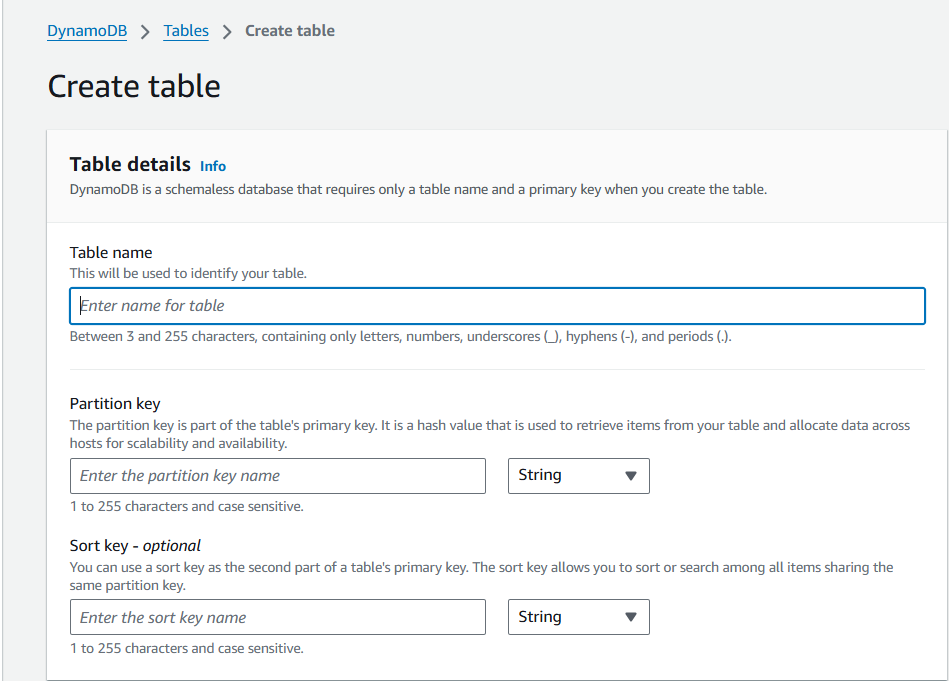
Now We need to create the dynamodb1 table in table details.
Partition key will be id
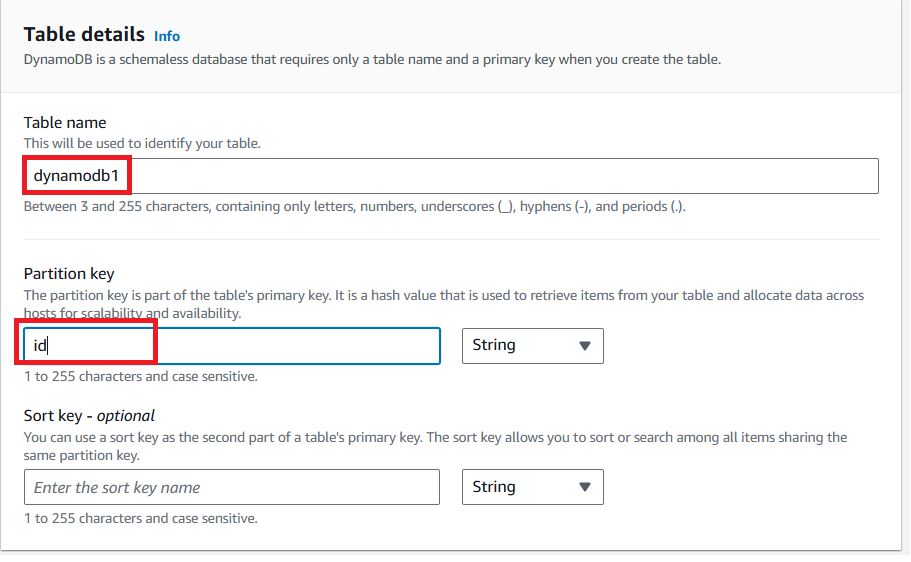
Provide the DynamoDB table name and partition key details
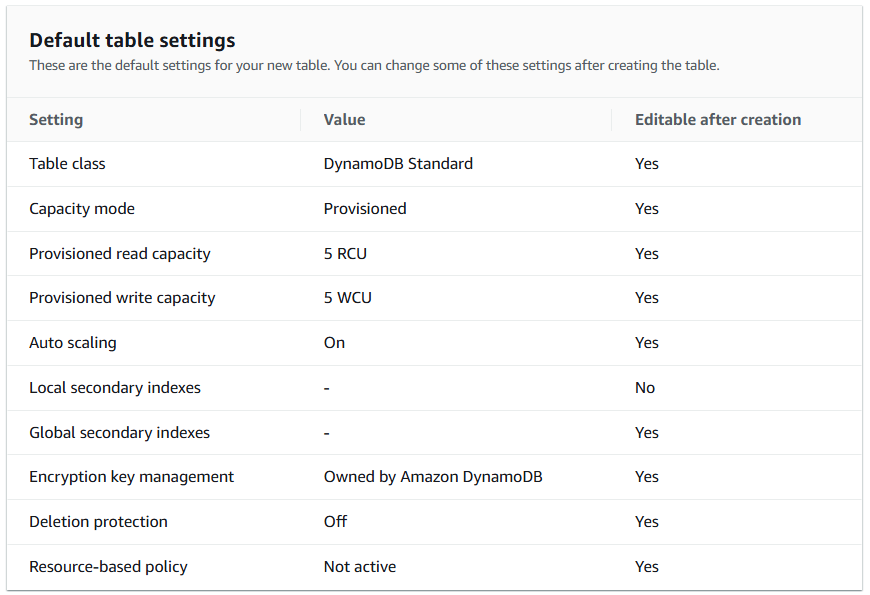
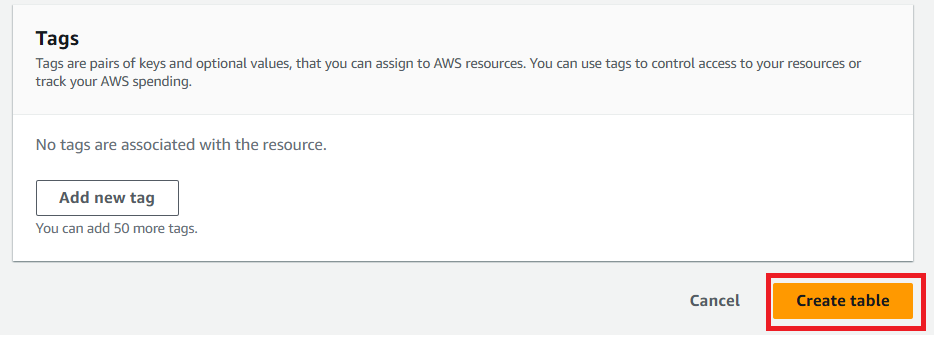
Click “Create table”
Once the Table is created successfully.
Select the table >Actions >create an item
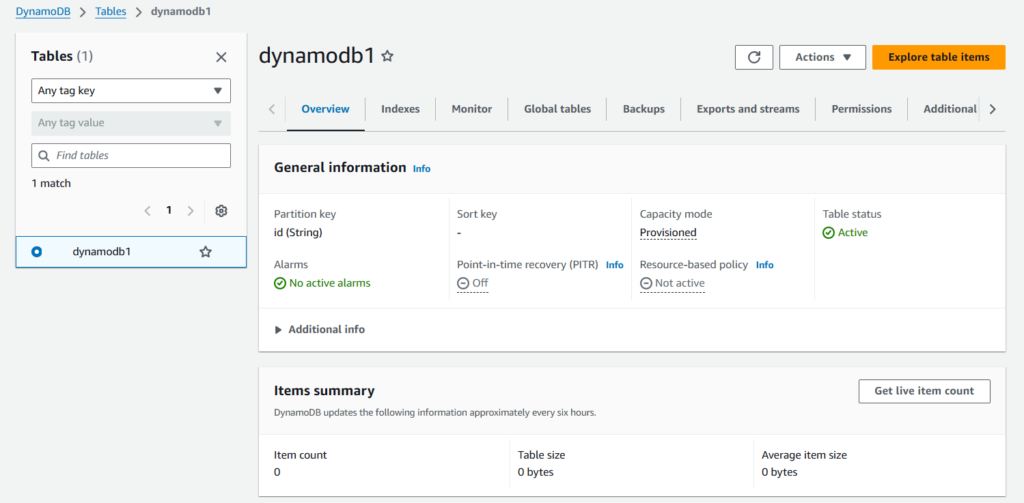
Click Explorer Item
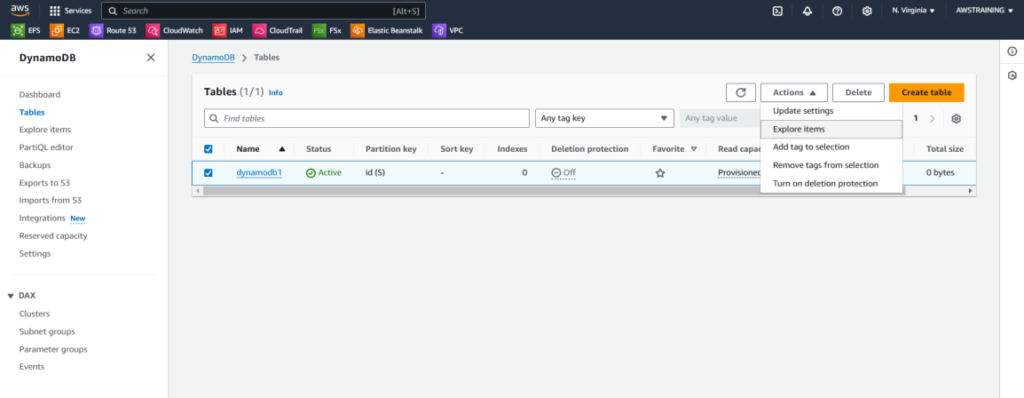
After Click The Explorer item Will be blank
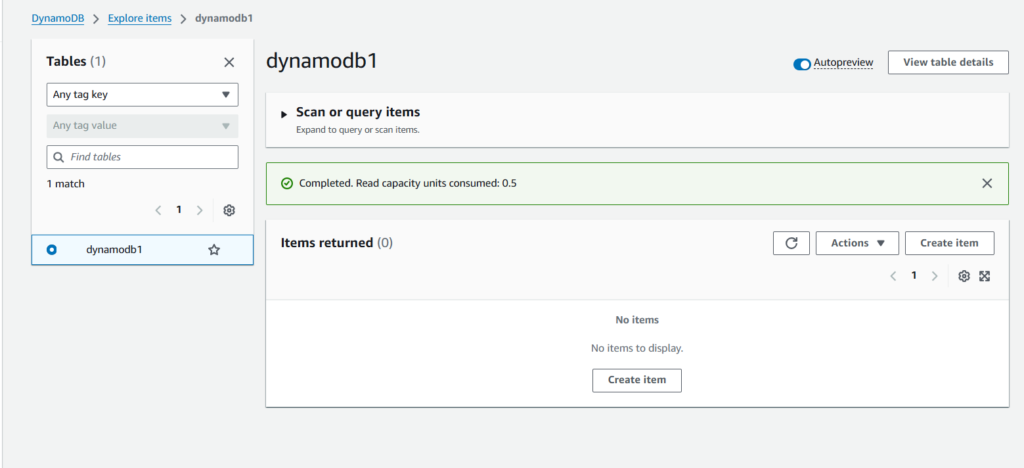
Then We need to create the item.in my case I have general the id like 0 to 5
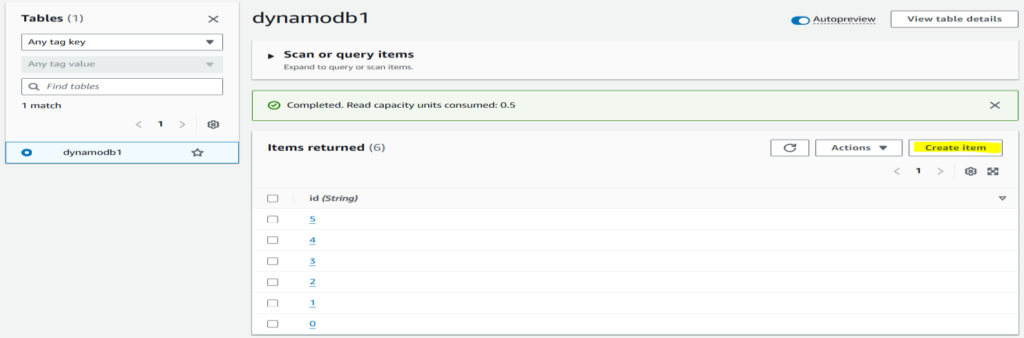
You can see 6 Objects are Created successfully.
Now After Create the item We need to import
Import from S3 is also possible using the below method.
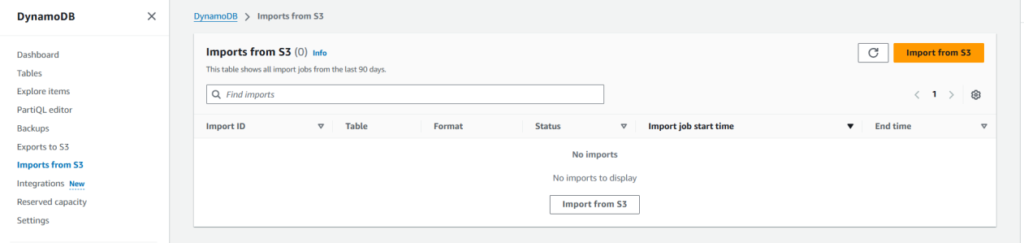
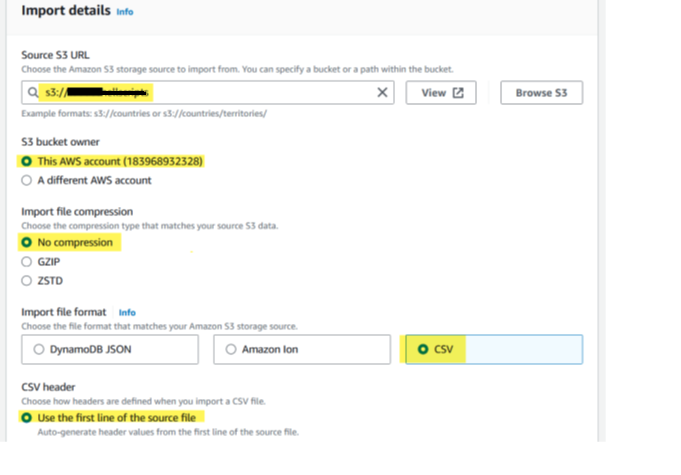
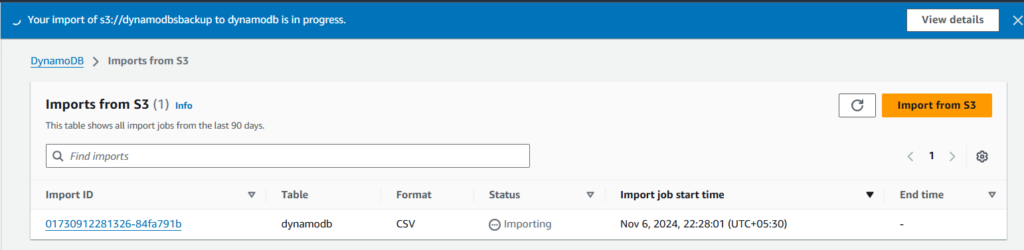
Now Click Import
Creating DynamoDB Table Backup
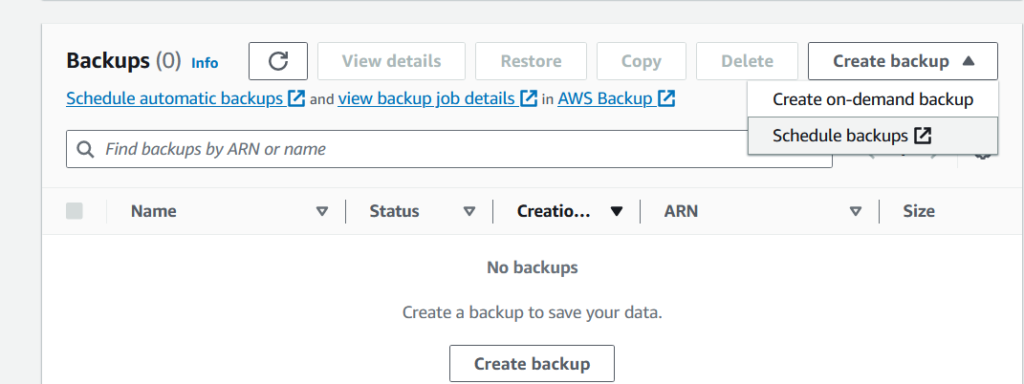
Go to DynamoDB Table >Backups >Create Backup
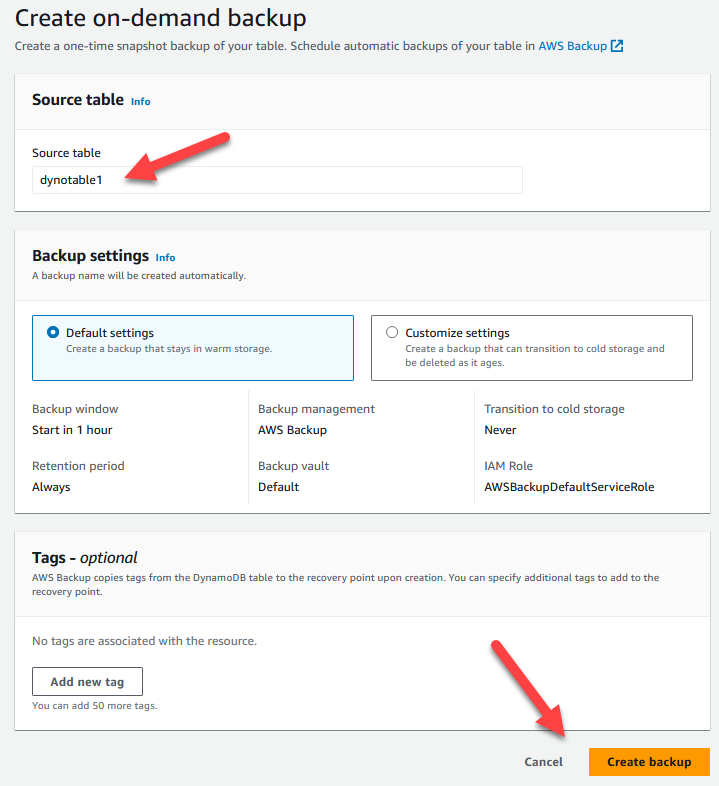
That will create the table backup.



Awesome