
Step 1: Sign in to the AWS Management Console and open the Amazon RDS
console at https://console.aws.amazon.com/rds/.
Step 2: In the navigation pane, choose Databases.
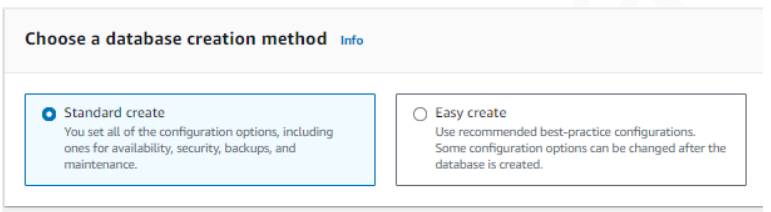
Step 3: Choose Create database, then choose Standard create.
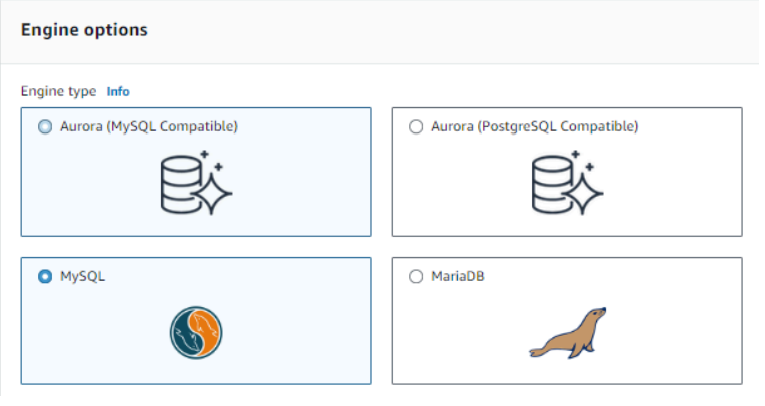
For Engine type, choose MySQL.
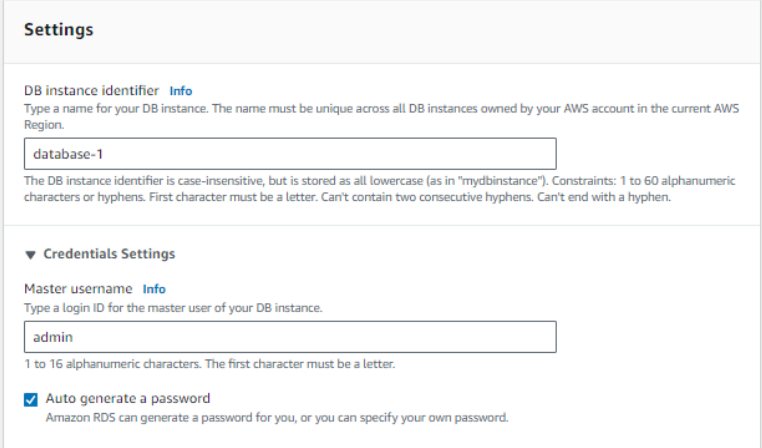
Step 4: Provide DB instance identifier, username and password.
Step 5: Choose Create Database.


Good
Good
Awesome