
Step 1: Pull the docker container using the command:
$ docker pull ubuntu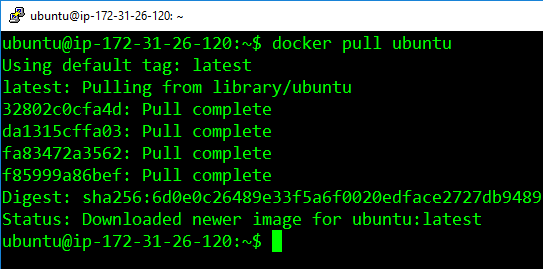
Step 2: Run the container using the commands
$ docker container run -it -d ubuntu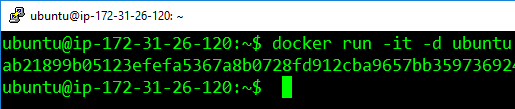
Step 3: Access the container using the command:
$ docker exec -it <container-id> bash
Step 4: Install apache2 on this container, using the following:
$ apt-update

$ apt-get install apache2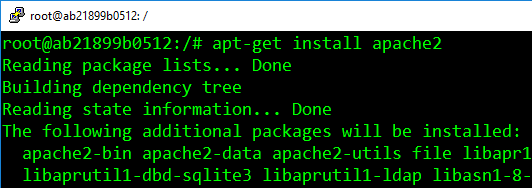
Step 5: Exit the container, and save the container using this command.
The saved container will be converted into an image with the name specified is
$ docker commit <container-id> <username>/<container-name>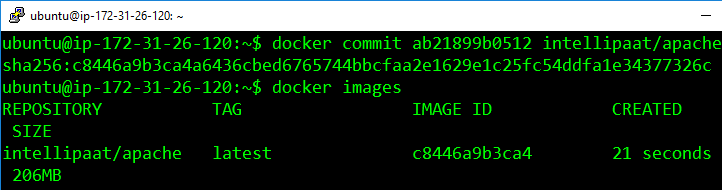
The username must match with the username which you created on Docker Hub.
The container-name name can be anything.

Very good
Very good
Good
Very good
Great content as always. This site is becoming my go-to source.
Its such as you learn my thoughts! You appear to know a
lot about this, such as you wrote the book in it or something.
I believe that you could do with a few p.c. to power the message house a bit, however other than that, this is fantastic
blog. A great read. I will definitely be back.
When I initially left a comment I appear to have clicked the -Notify me when new comments are added- checkbox and now each time
a comment is added I get four emails with the same
comment. Is there a means you can remove me from that
service? Kudos!
These are really wonderful ideas in regarding blogging.
You have touched some nice things here. Any way keep
up wrinting.
This was a very good article to read today. The site is useful
and has a lot of practical guidance.